
Seminar
WriteVideo seminar
A seminar on working more efficiently: make a video just by writing text
- Free to join
- Held online
Check
If even one applies to you, please join us
Short of staff, with no time left for education and training
Repeating the same explanation feels inefficient
You want to use the documents you have in a new way
Contents
What you will learn at the seminar
- POINT01
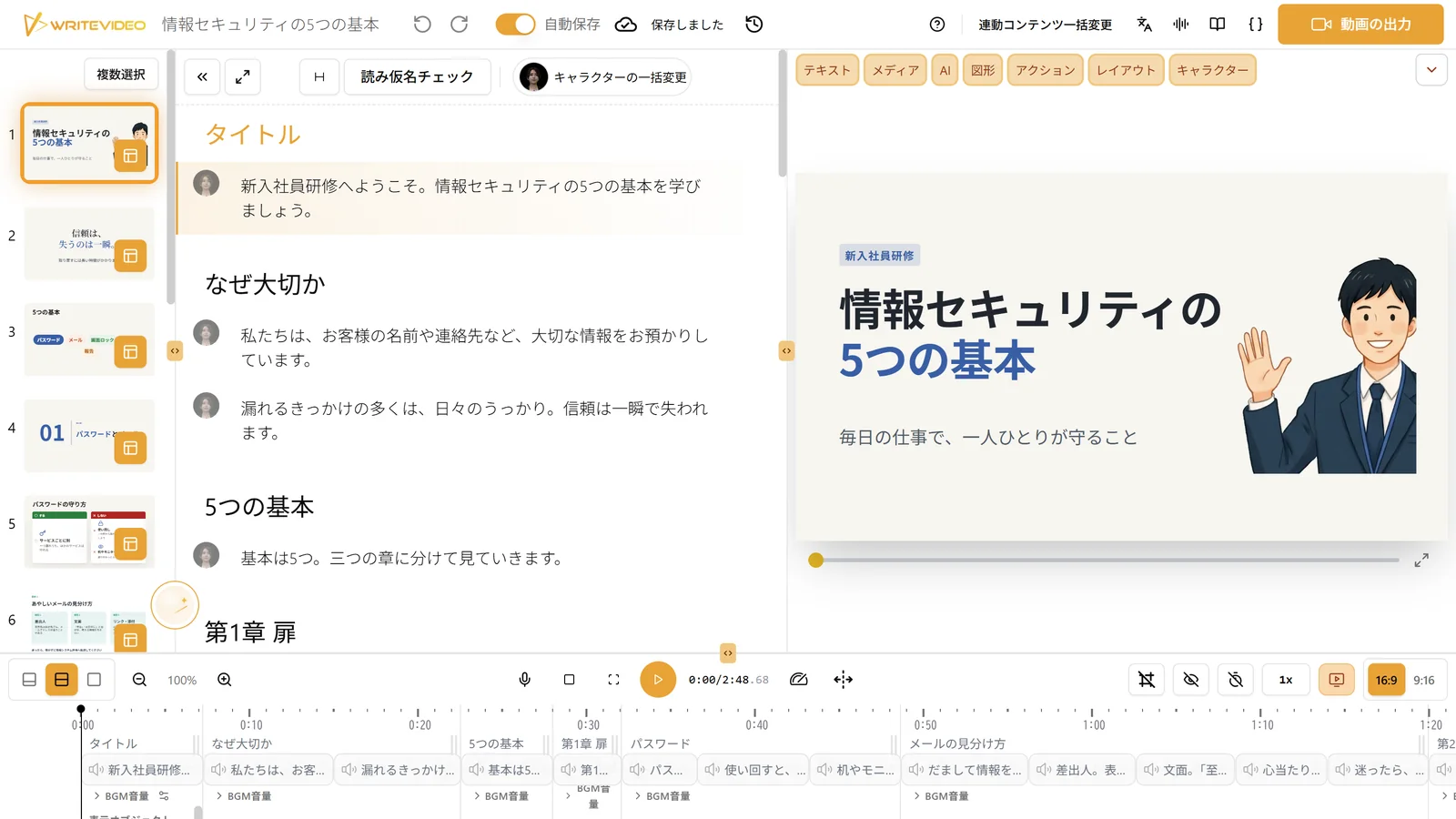
How to use WriteVideo
A clear walkthrough of the basics of WriteVideo. We show you, hands-on, how to generate videos from files and text, and how to make the most of it, from editing to changing templates. Even first-time users pick up tips they can use the same day.
- POINT02
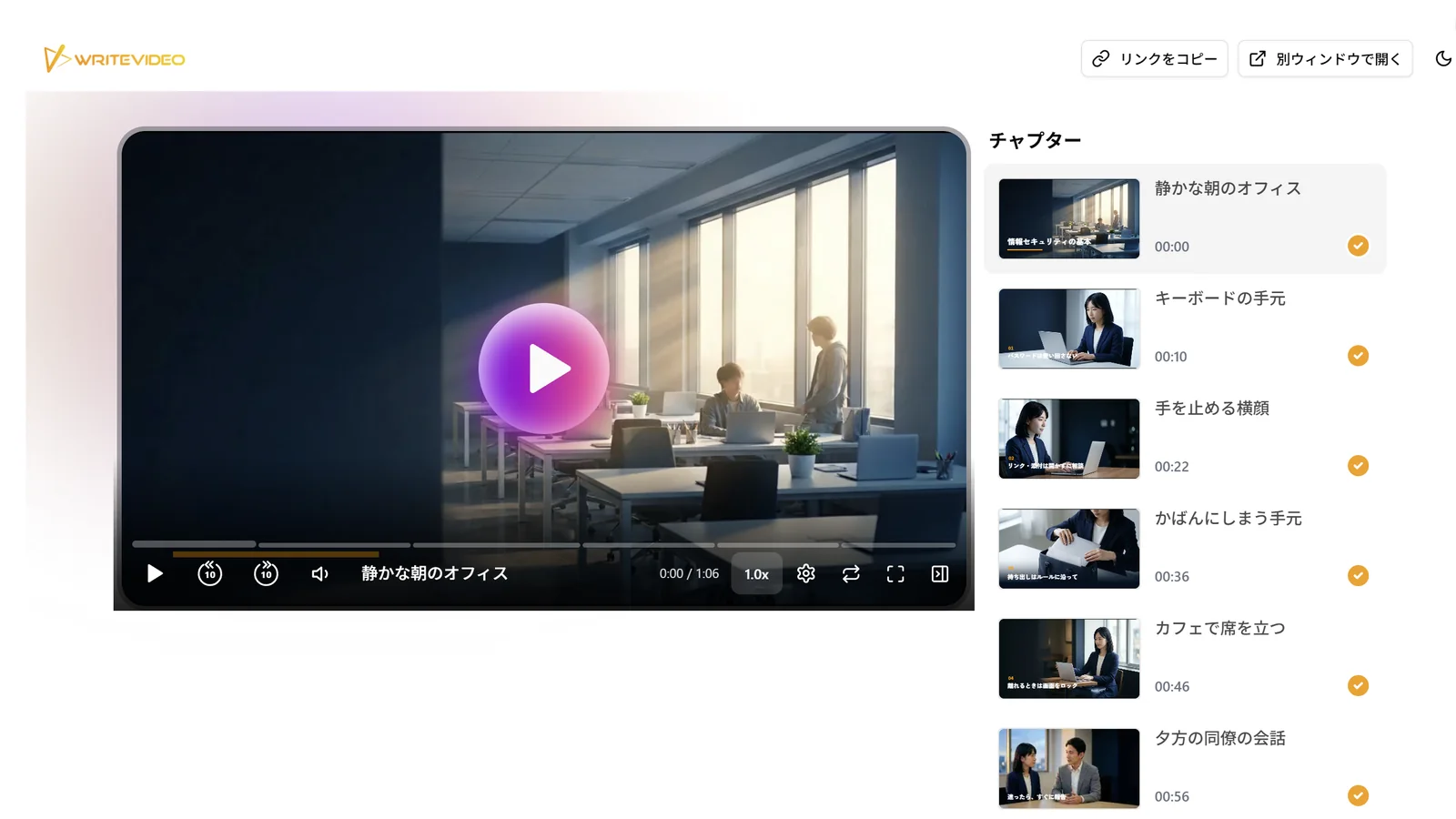
Ways to use it
We introduce ways to use video in many situations, such as training and education, internal manuals, recruiting and marketing, and explain how to make videos that get the message across, with real examples.
- POINT03
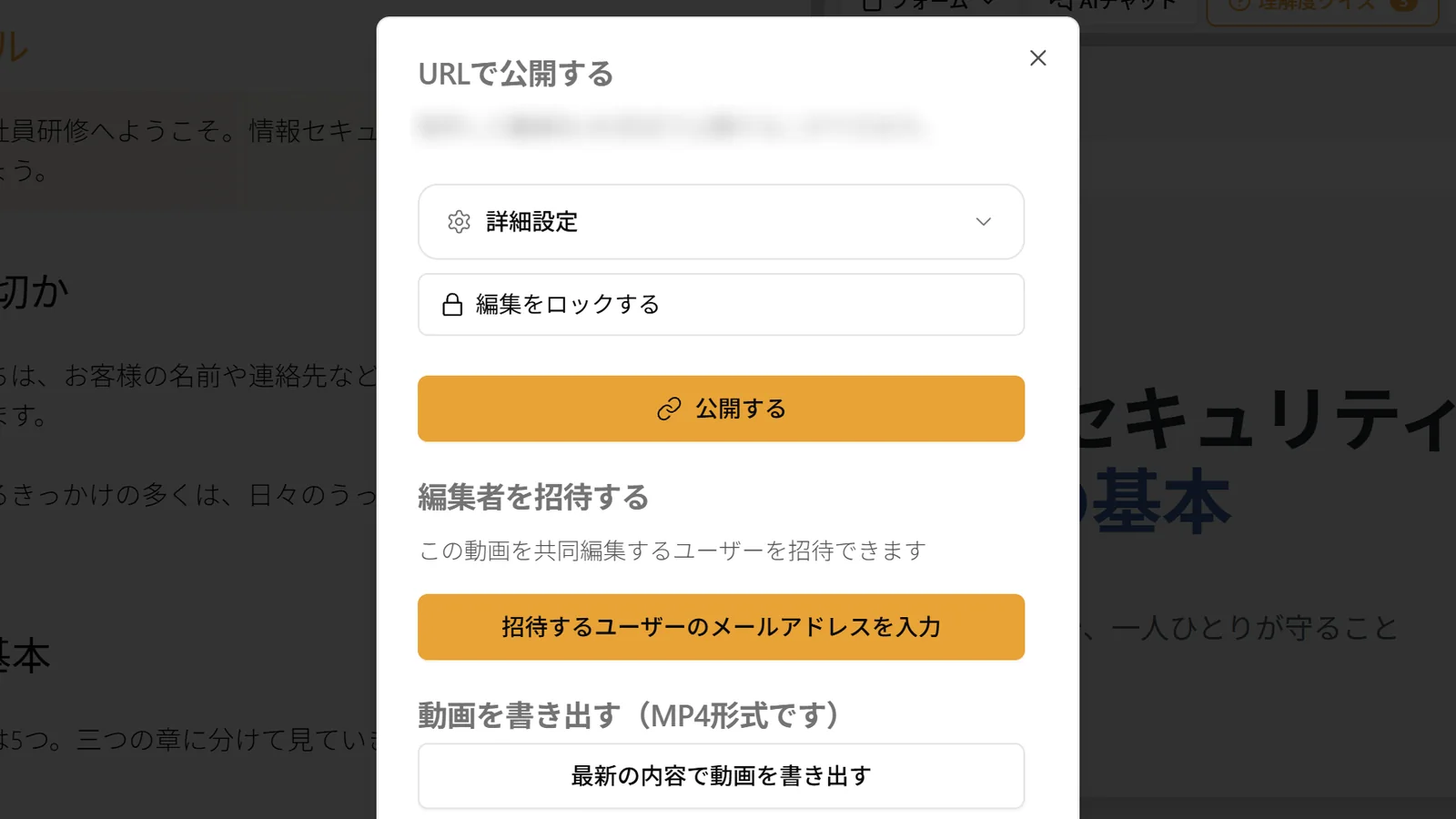
Secrets of higher productivity
We explain how to turn manuals and in-house training into video to make information sharing faster and more accurate. We also present cases where this kept work from depending on particular people and led to greater efficiency.
Movie
Get to know WriteVideo in a video
Chosen by more companies every month
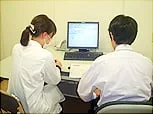 Clinical Support Co., Ltd.
Until now, we trained the staff who join almost every month using comments we had prepared in PowerPoint's notes feature. But because we repeated the same explanation again and again, the workload on the staff in charge of training grew, and we felt the inefficiency was a problem. So we brought WriteVideo into part of our training. WriteVideo works out the lines and the layout automatically, and it is also very easy to use.
Flow
How to join
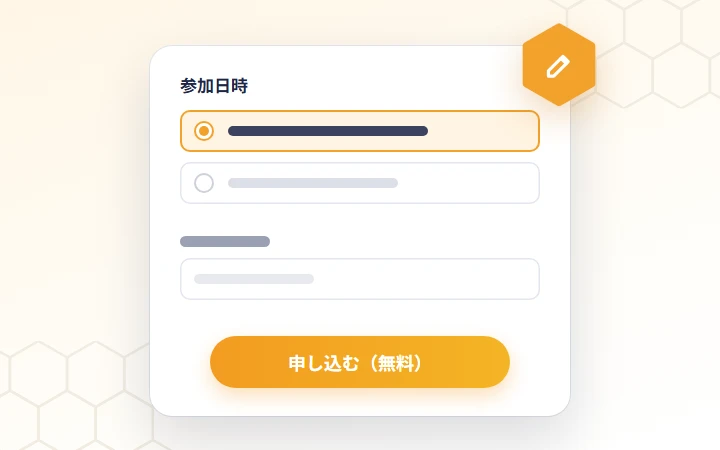 01
Apply with the form
Choose the date and time you prefer, and apply with the form on this page.
 02
We send details by email
We will tell you how to join by email.
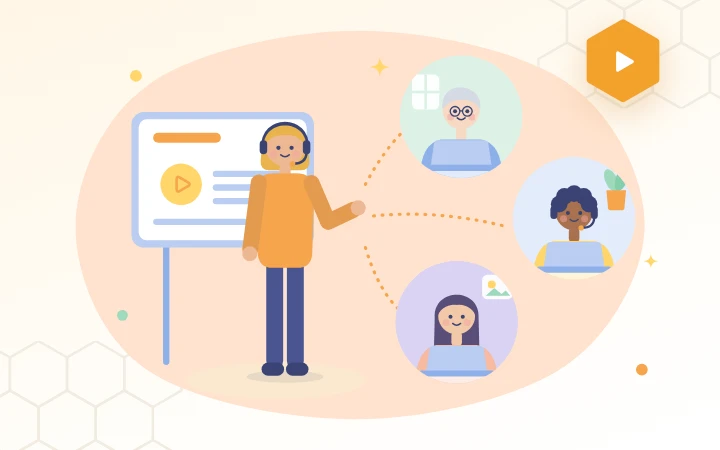 03
Join online
Please join online in the way described in our email.
Entry
Sign up for the seminar
Taking part is free. Choose the date and time you prefer and apply. We will tell you how to join by email.