FeaturesAI Director
Feature 03 · Create
AI Directorβ
Check the storyboard, then the AI finishes it
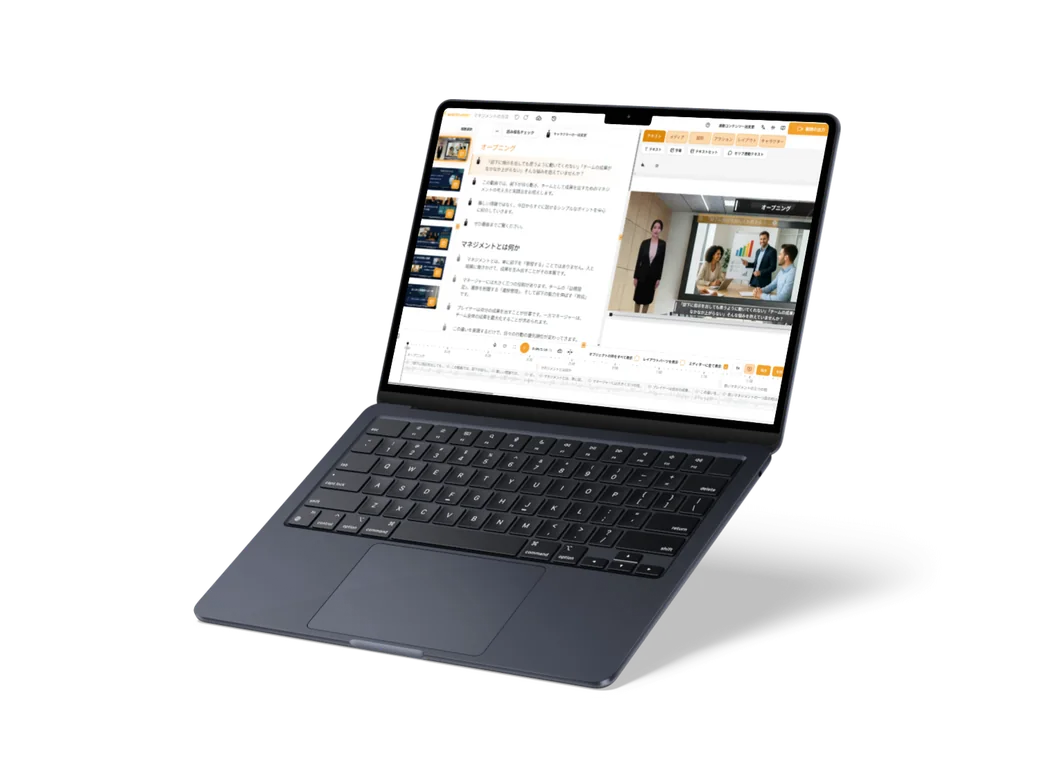
With AI Director (beta), you ask for what you want to get across, and the AI makes a storyboard that lays out the images and script for each scene. Because you check the storyboard before it is finished, you can make videos designed around how they are presented.
What it does
What it does
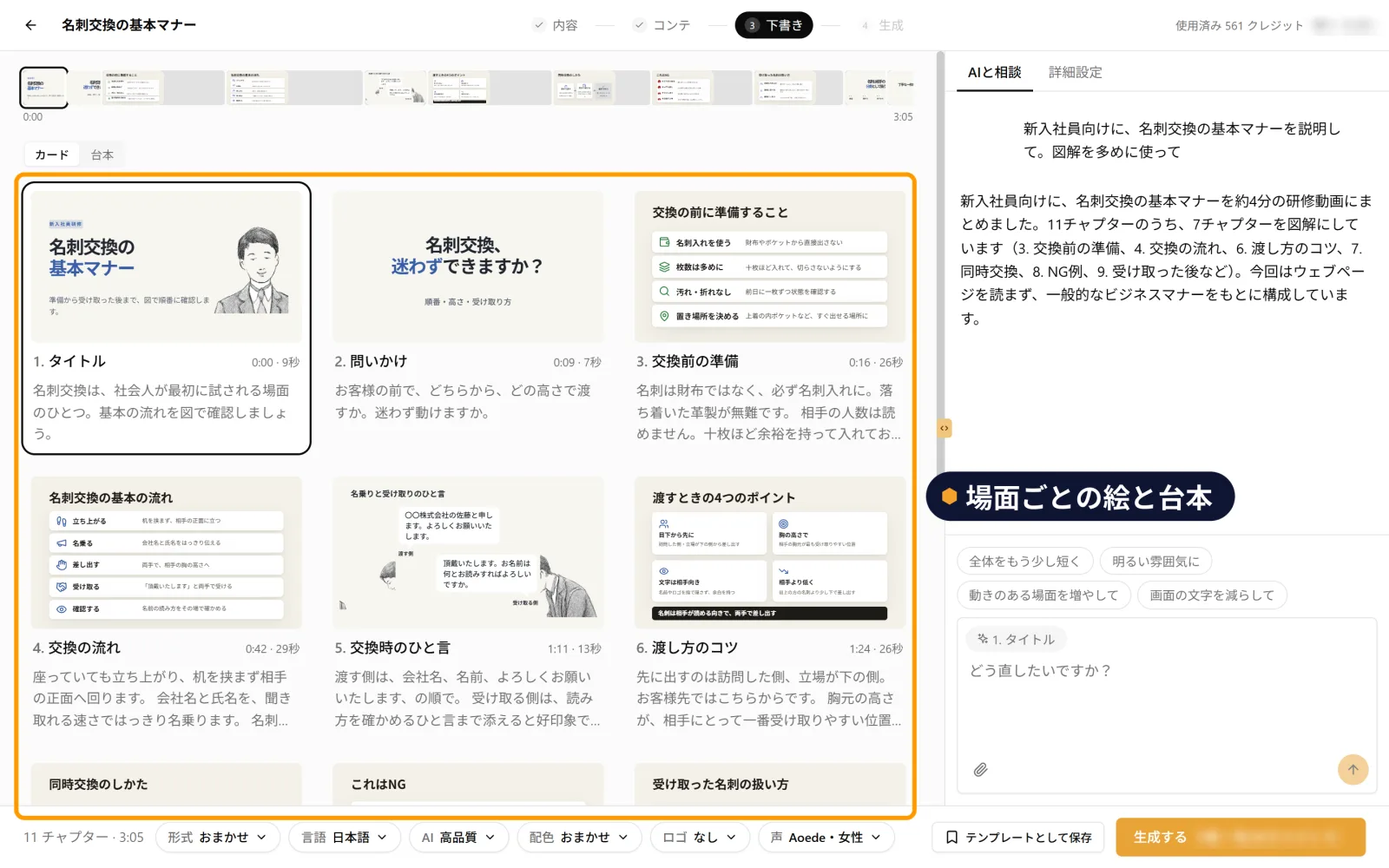
From a request to a scene-by-scene storyboard
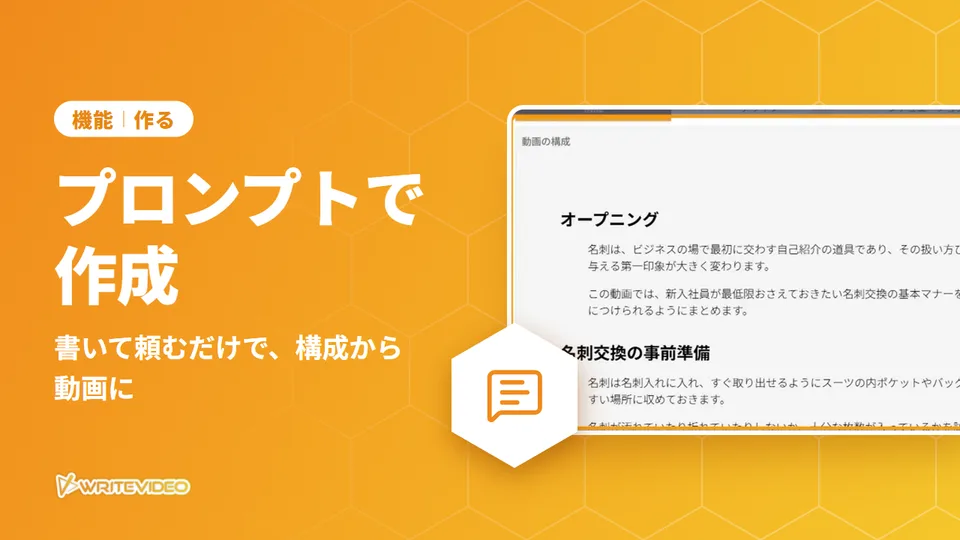
Ask something like "Explain the basic etiquette of exchanging business cards for new employees. Use plenty of diagrams" (新入社員向けに、名刺交換の基本マナーを説明して。図解を多めに使って), and the AI works out the structure and makes a storyboard that lays out the images and script for each scene. You can also attach documents to your request.
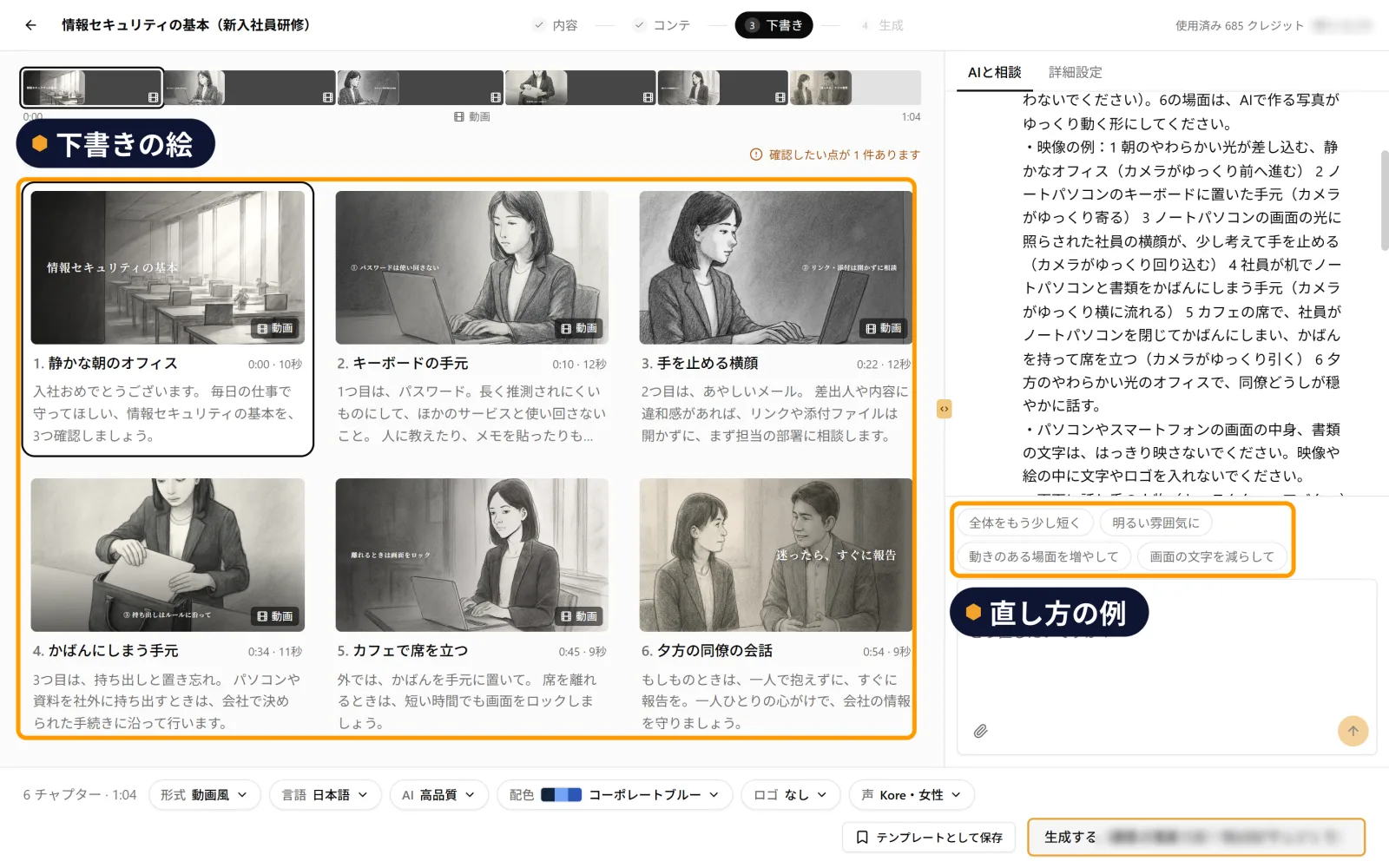
See the draft images, then finish it
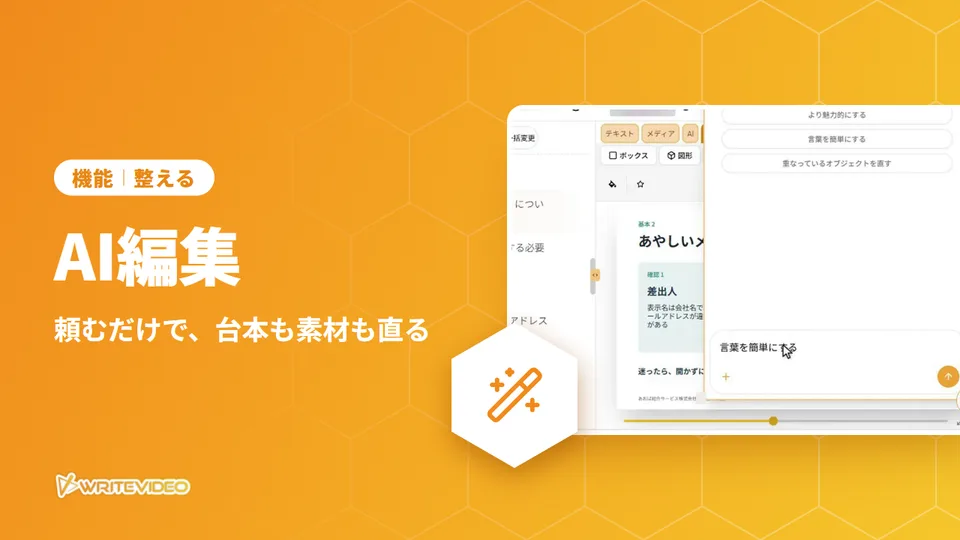
Before it is finished, you can check it down to the draft images of the people. The "Talk with AI" (AI と相談) panel beside it lists examples of changes, such as "Make the whole thing a little shorter" (全体をもう少し短く). When it is finished, moving footage that fits the scene may be added.
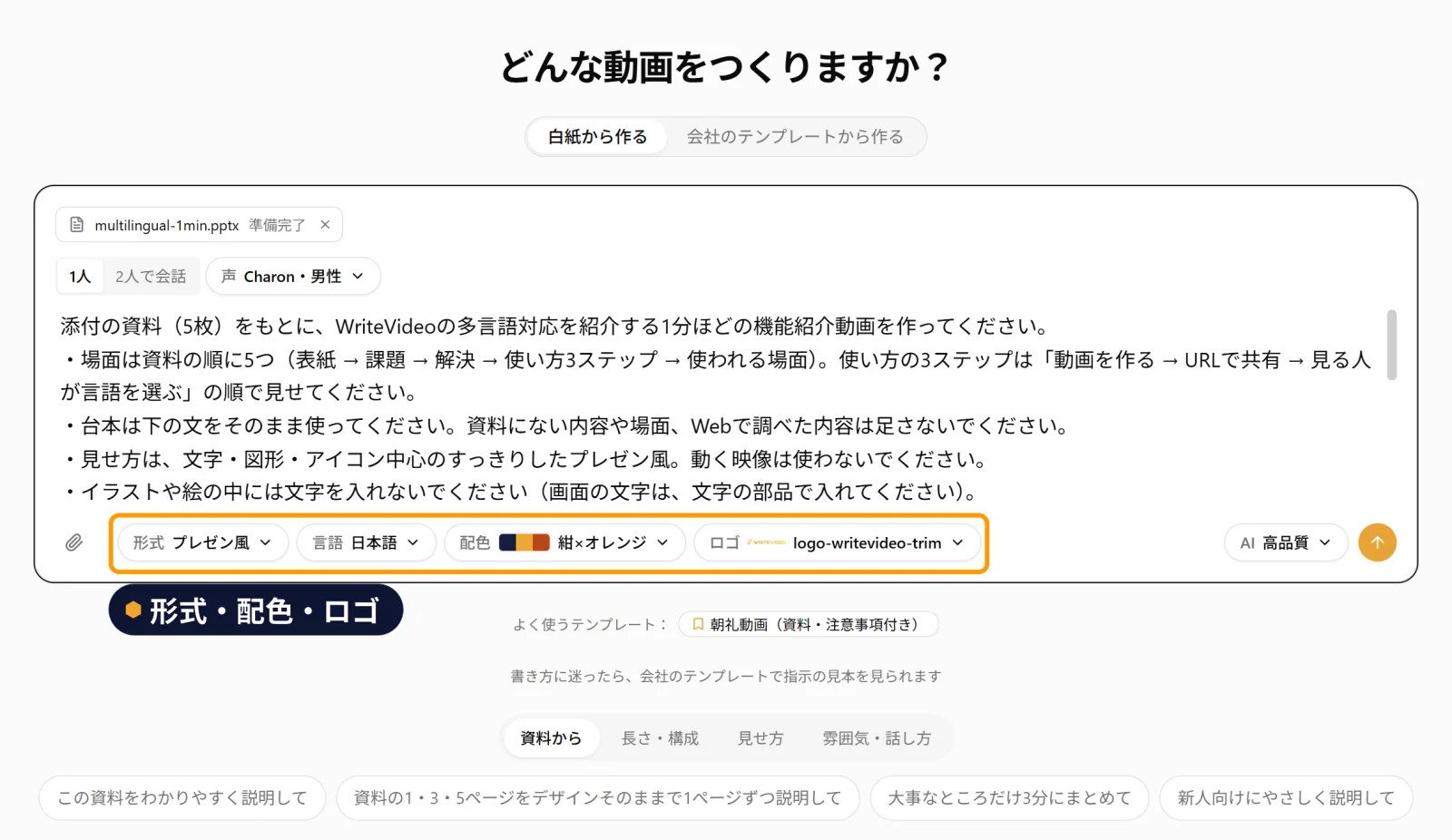
Choose the format, colors and logo
Before you create it, you can choose the format, such as presentation style or video style, and the color scheme. There is also a setting to add a logo and a field to add your company's own colors.
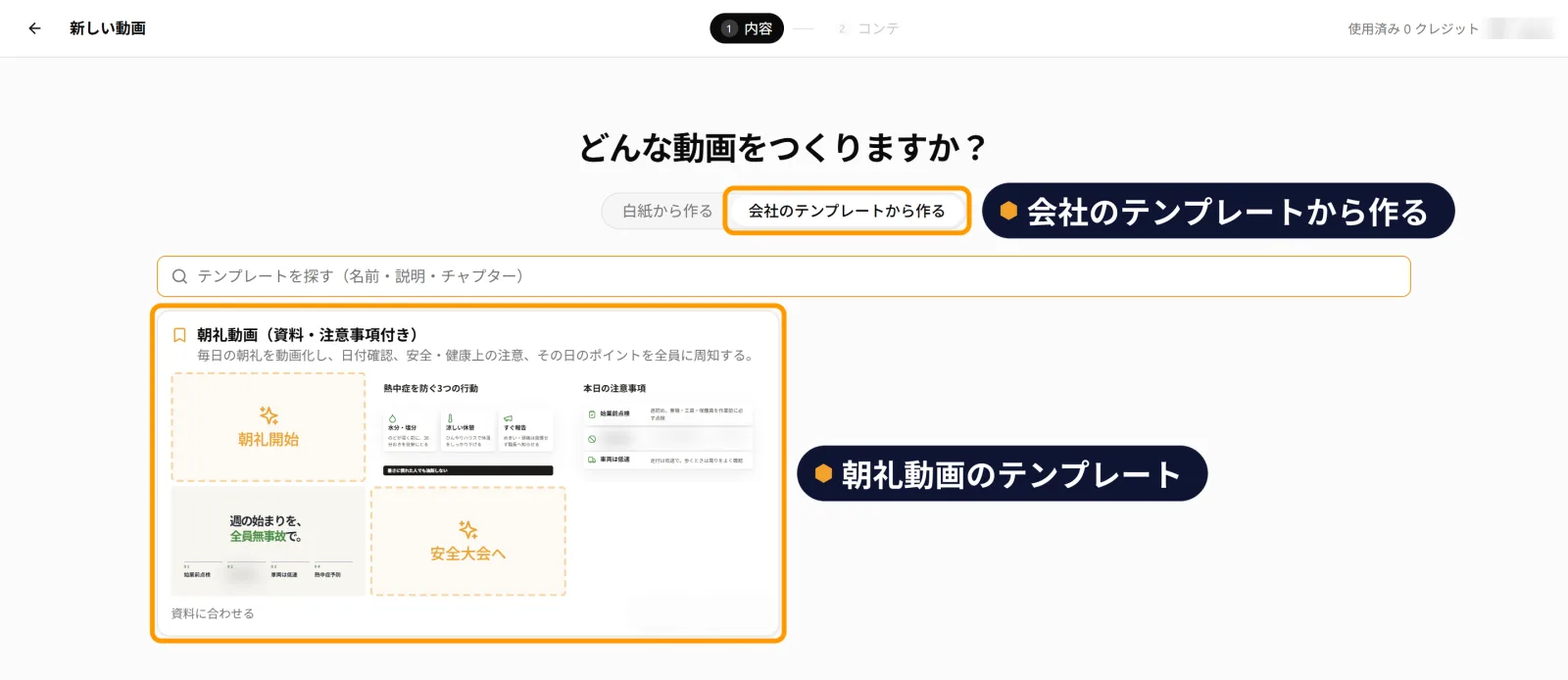
Create from your company's templates
You can also start from templates your company has prepared. This is handy when you make a series of videos in the same set format, such as morning meeting videos.