FeaturesEasy editing
Feature 05 · Refine
Easy editing
Revise it as you would in Word or PowerPoint
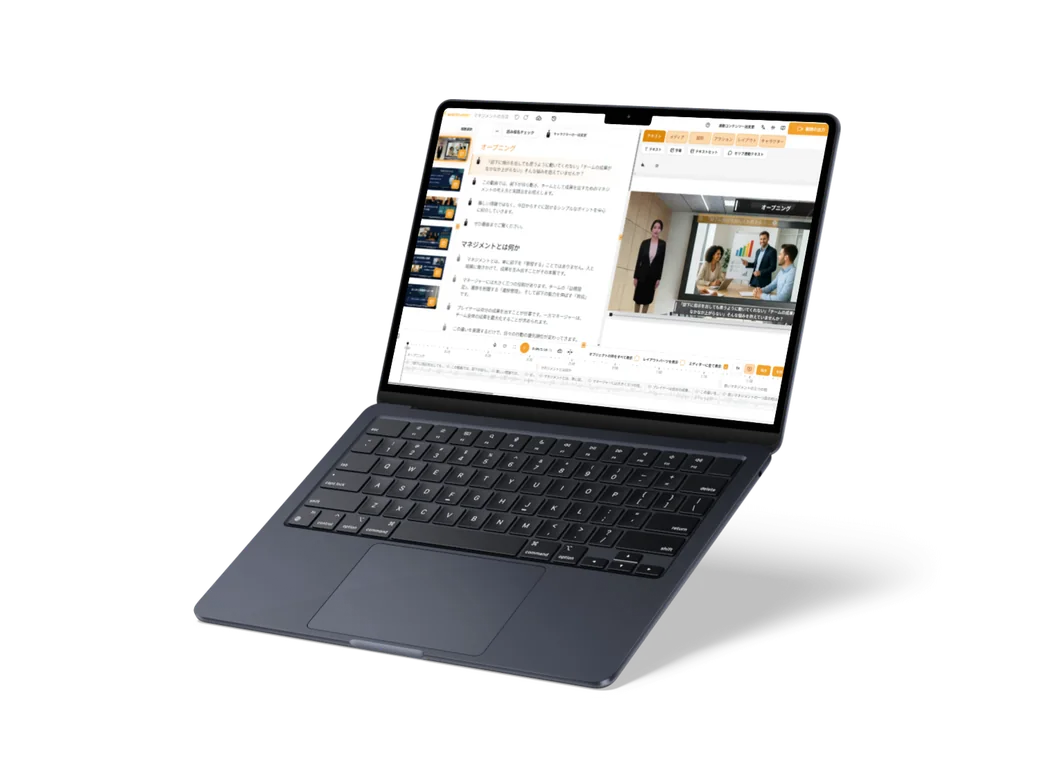
You can revise a finished video the way you would revise text. With the script and the screen side by side, you can refine it without any knowledge of video editing software. You can also save the state before your changes under a name and go back to it later.
What it does
What it does
Revise the text, and the subtitles and voice change
Rewrite 1 line of the script, and the subtitle on screen changes to the new line and the voice-over for it is made again. There is no need to record it again.
Add scenes and reorder them
Add a new scene and just write a heading and lines to make 1 scene. Drag scenes in the scene list, and the script and timeline are rearranged in the same order.
Add photos and video clips right there
Upload your own images and they are placed in the scene right away, ready to move by dragging. You can also place photos and videos you find on stock media sites straight into a scene.
Place charts and tables of contents, too
Place a bar chart or another chart, enter numbers in the table, and the chart changes to match. Choose from 4 chart types: bar, line, pie and area. You can also place a table of contents listing the chapter names.