FeaturesFrom a prompt
Feature 02 · Create
From a prompt
Write what you want, from outline to video
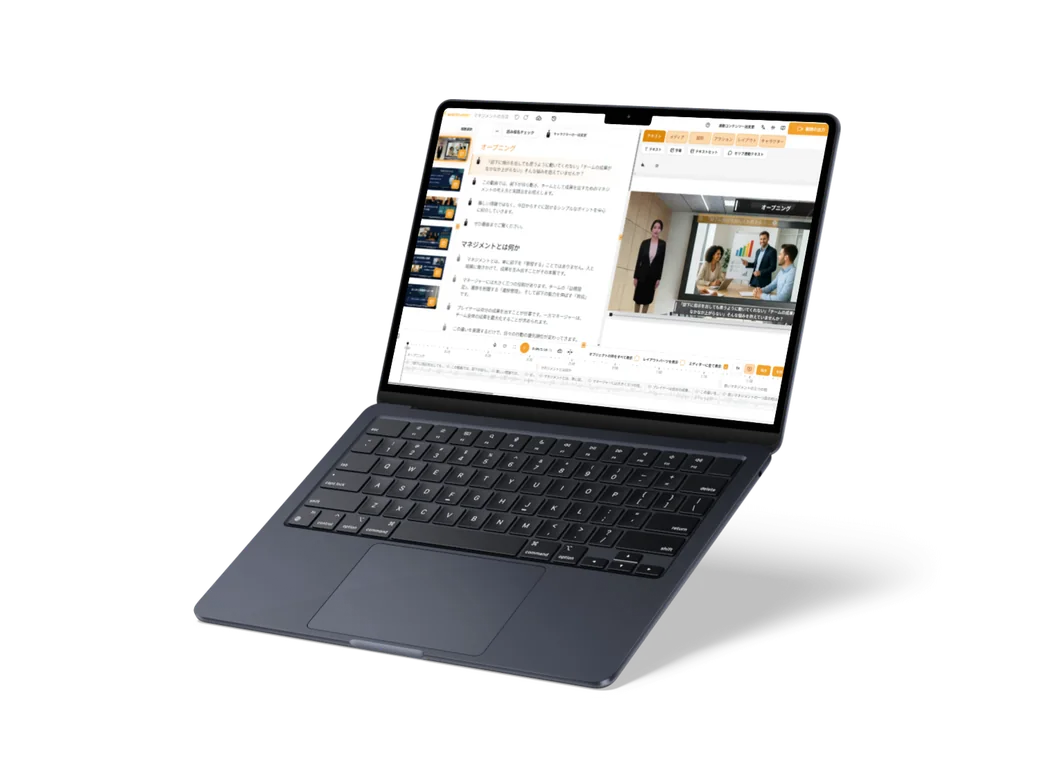
Just describe the video you want in writing. The AI works out the structure and script, prepares images for the scenes, and turns it into a video. You can start even without any documents at hand.
What it does
What it does
The structure comes first, so you can check the flow
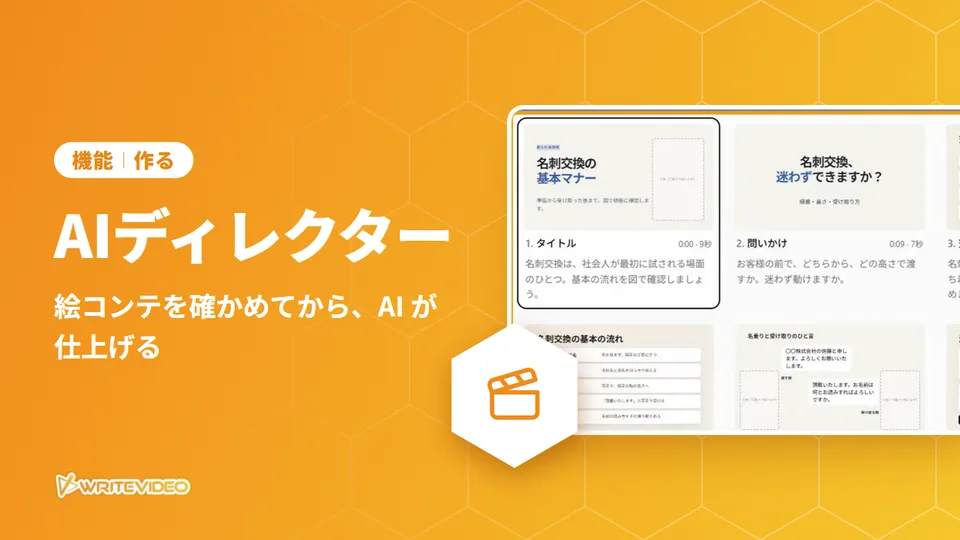
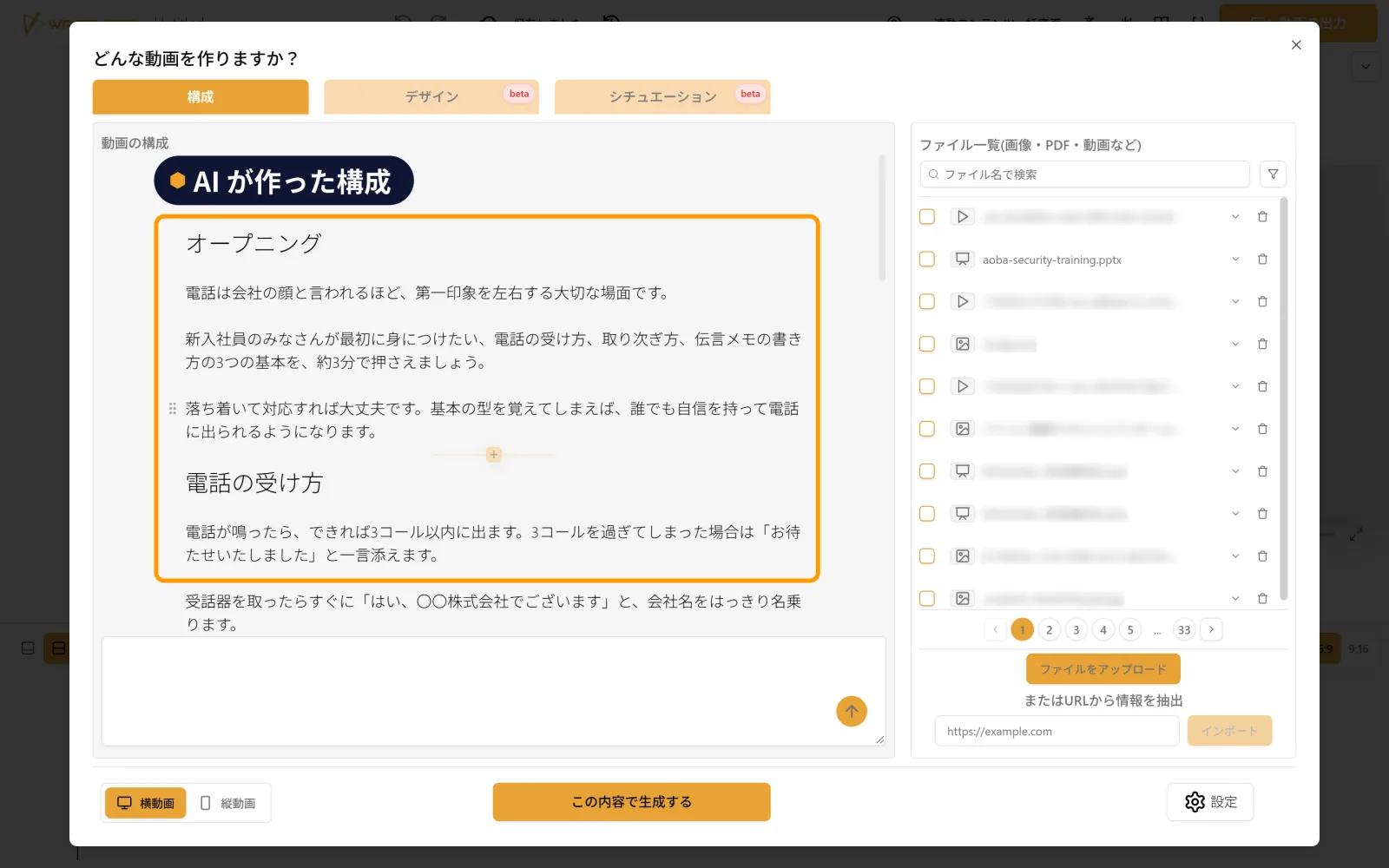
Send your request, and the AI first makes a structure (outline) listing the headings and what will be said. You can check that things are in the order you want before it becomes a video.
Create it while talking with the AI
With "Create from chat" (チャットから作成) (beta), the AI first asks you, with choices, about the mood of the video and what you most want to get across. Answer, and a structure is made along those lines, and you can go on to make the narration script as well.
Start from a template
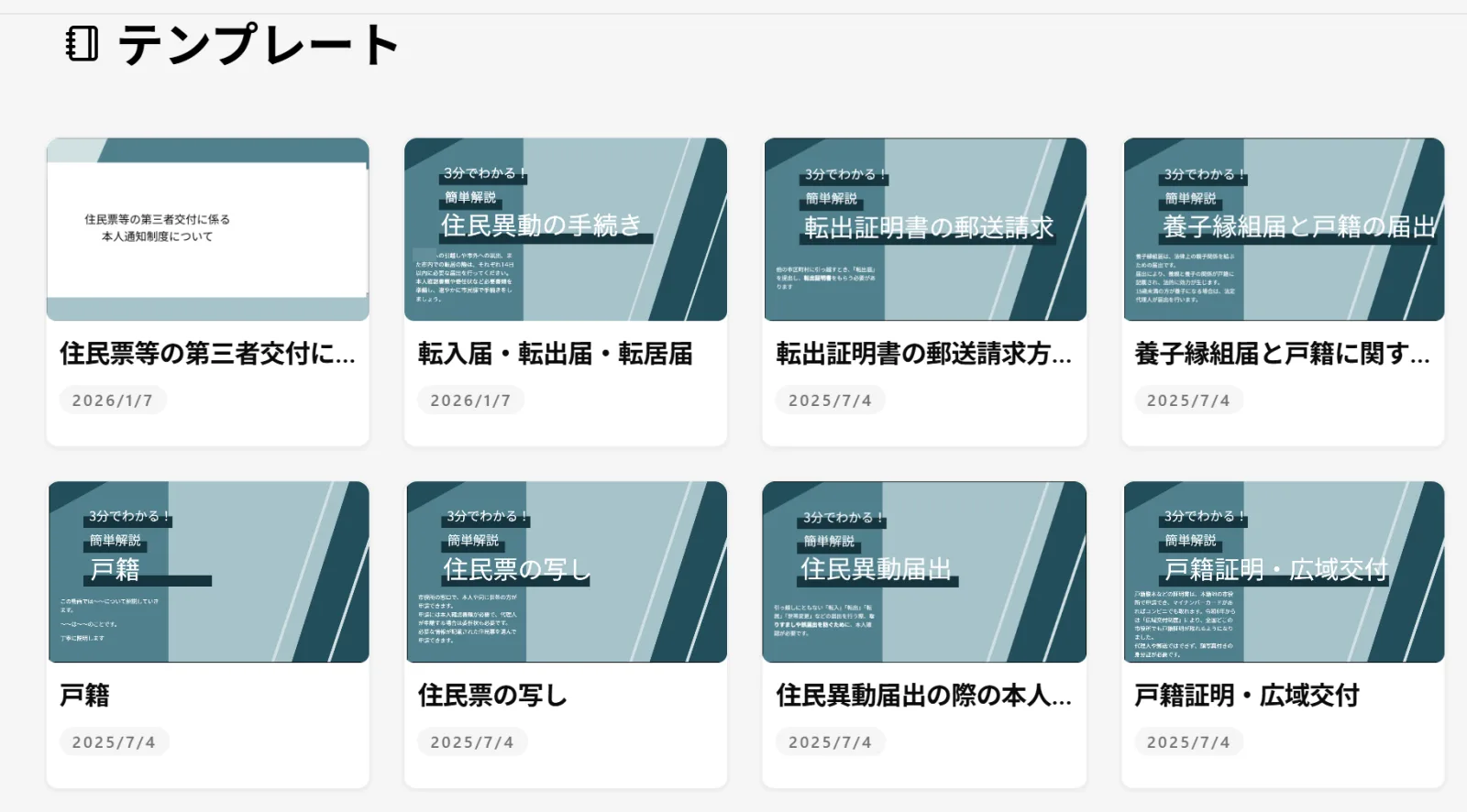
You can start by choosing from templates for local government service counters, healthcare, business and more. Choosing one opens the editor straight away, so you can start making your video from the template.
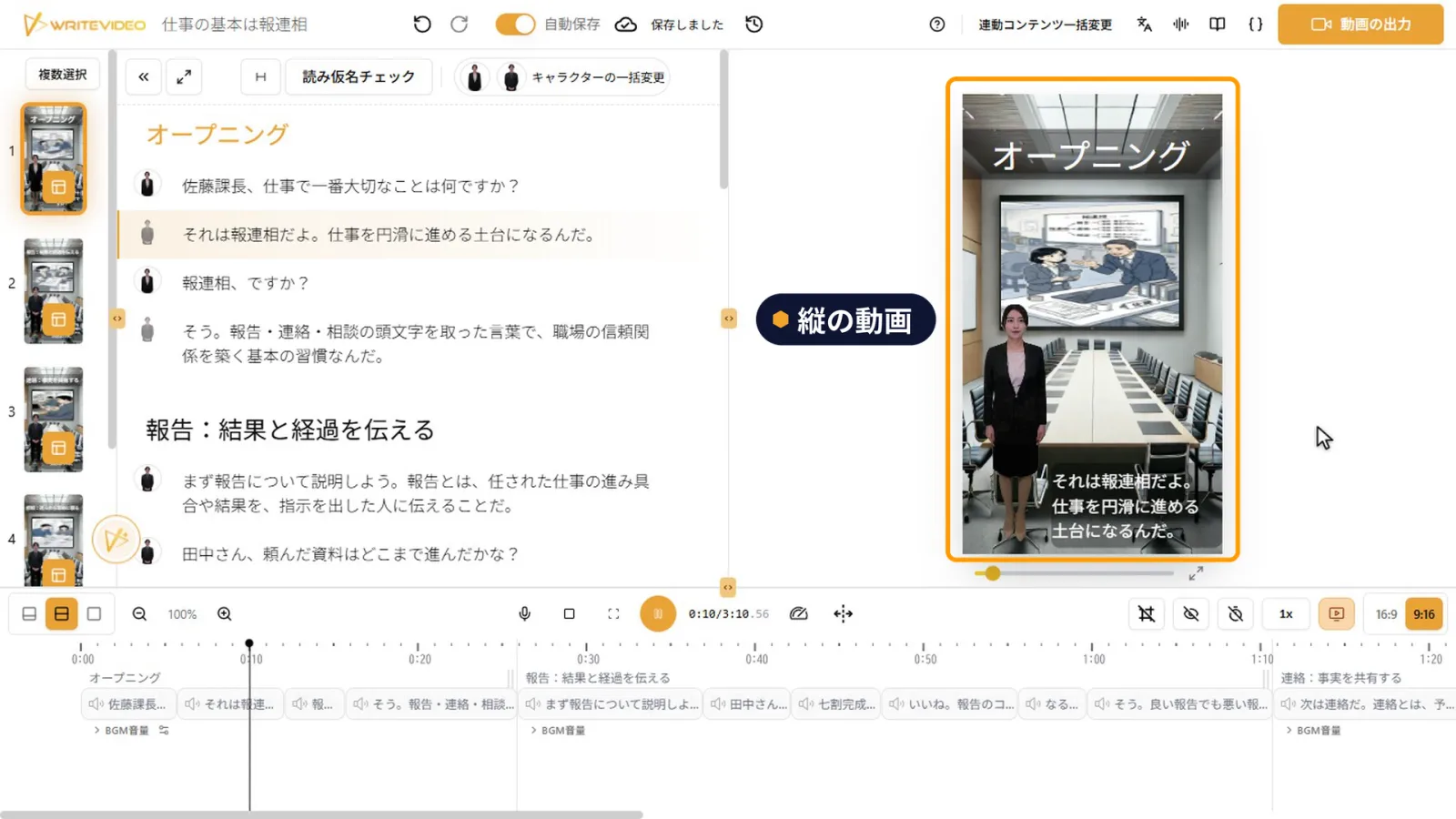
Vertical videos for phones, too
When you create a video, you can choose horizontal or vertical. Vertical videos, suited to announcements people watch on their phones and short explanations, are made with the same steps.