FeaturesSharing & languages
Feature 08 · Deliver
Sharing & languages
One URL, in each viewer's language
Just send the URL, and people can watch the finished video. Viewers can choose their own language, so 1 video made in Japanese can reach people in more than 100 languages.
What it does
What it does
Publish as a URL, and decide who can watch
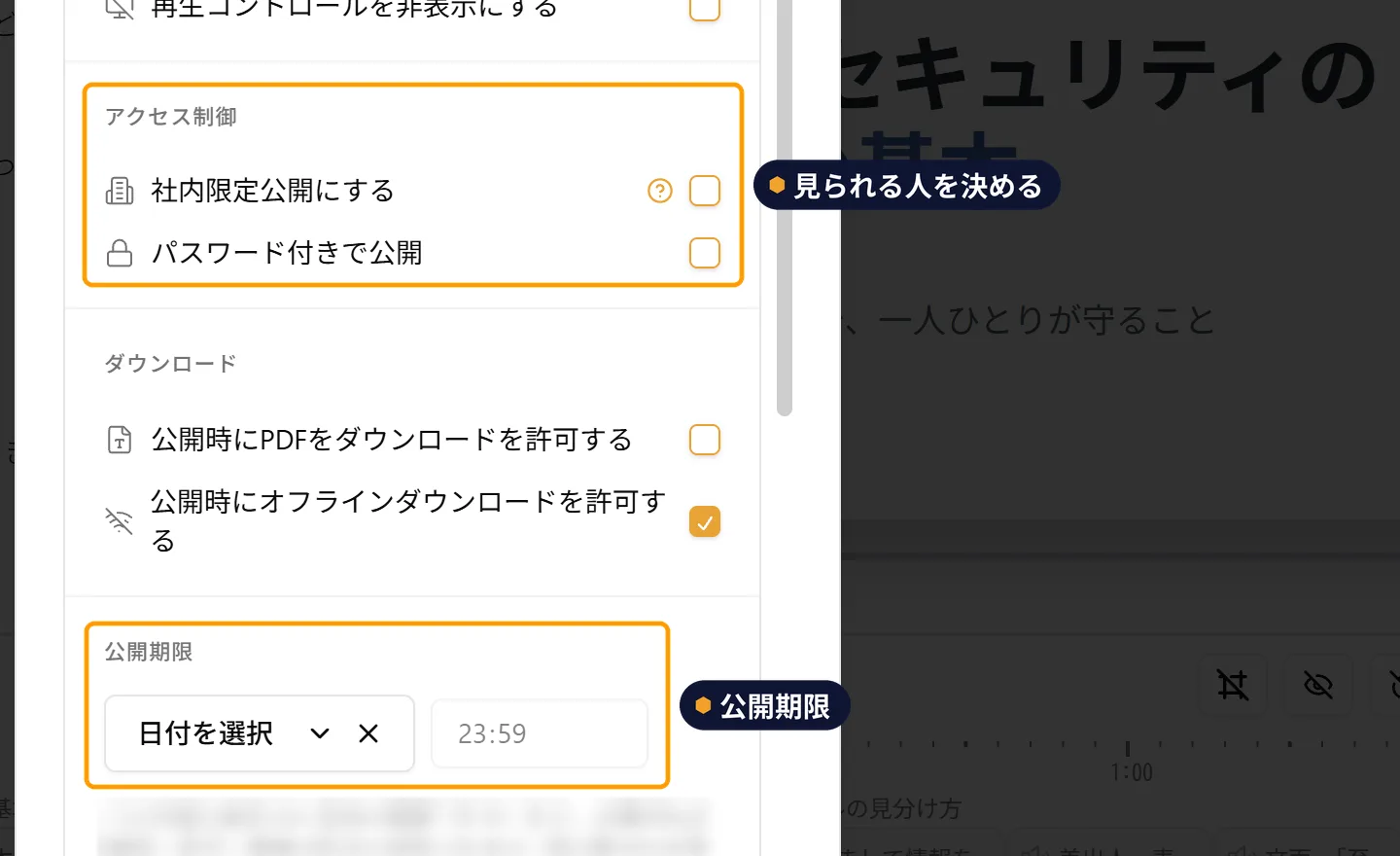
When you publish, a URL is created for a page where the video can be watched. You can also publish internally only, so that only people at your company with a WriteVideo account can see it, and set a password or a publishing deadline. You can revise it later and publish it again.
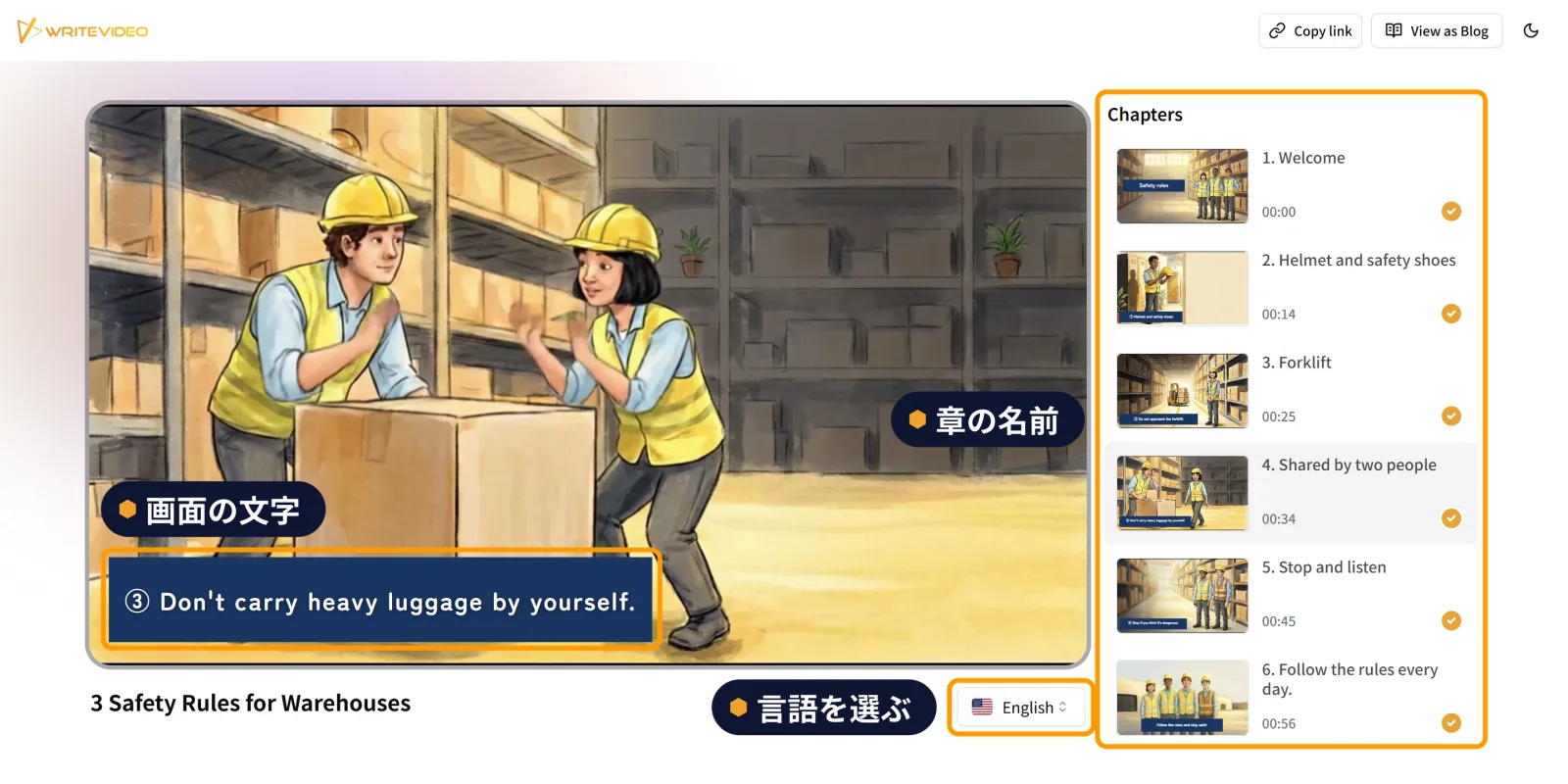
Viewers choose their own language
When viewers choose a language on the page, the title, chapter names and headings overlaid as text on screen switch to that language. If the video has subtitles, they switch too. In most languages, the narration also becomes audio in that language. There is no need to remake the video for each language. With the 1 video made in Japanese and 1 URL, you can deliver it to suit each viewer.
Embed it on a site, hand it out by QR code
For a published video, you can get an embed code to put it on other sites and a QR code from the "Export video" (動画の出力) panel. You can put a video on a support page, or have people watch it from a QR code on a notice or handout.
Export as MP4, group into playlists
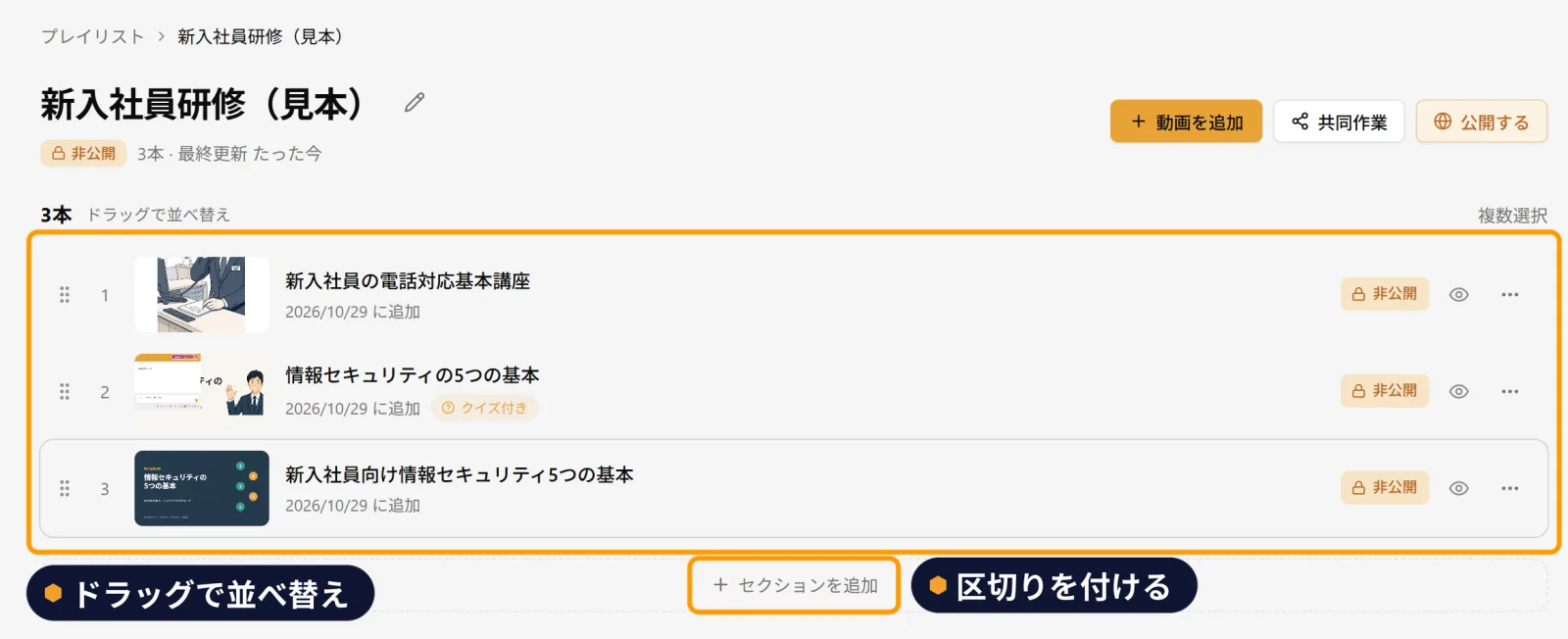
You can export videos as MP4 and slides as PowerPoint. When there are many videos, as in training, you can group them into a playlist and set their order and sections.


Features
Features to use with it