

Use casesAnnouncements & PR

Use case · Announcements & PR

Turn the news you want to share into video, and deliver it

Information on programs, notices of events. Turn what you want to say into a narrated video and get it to many people with a single URL.

A parent and child looking at a notice on a bulletin board, and a person calling out with a megaphone

Wishes

What you want to do

  1. Make a video quickly from the text of an announcementPR staff

  2. Make it an eye-catching, approachable videoPR staff

  3. Reach many people with a QR code or a URLPR staff

Solutions

With WriteVideo

  1. Write what you want to say, and the AI starts from the structure

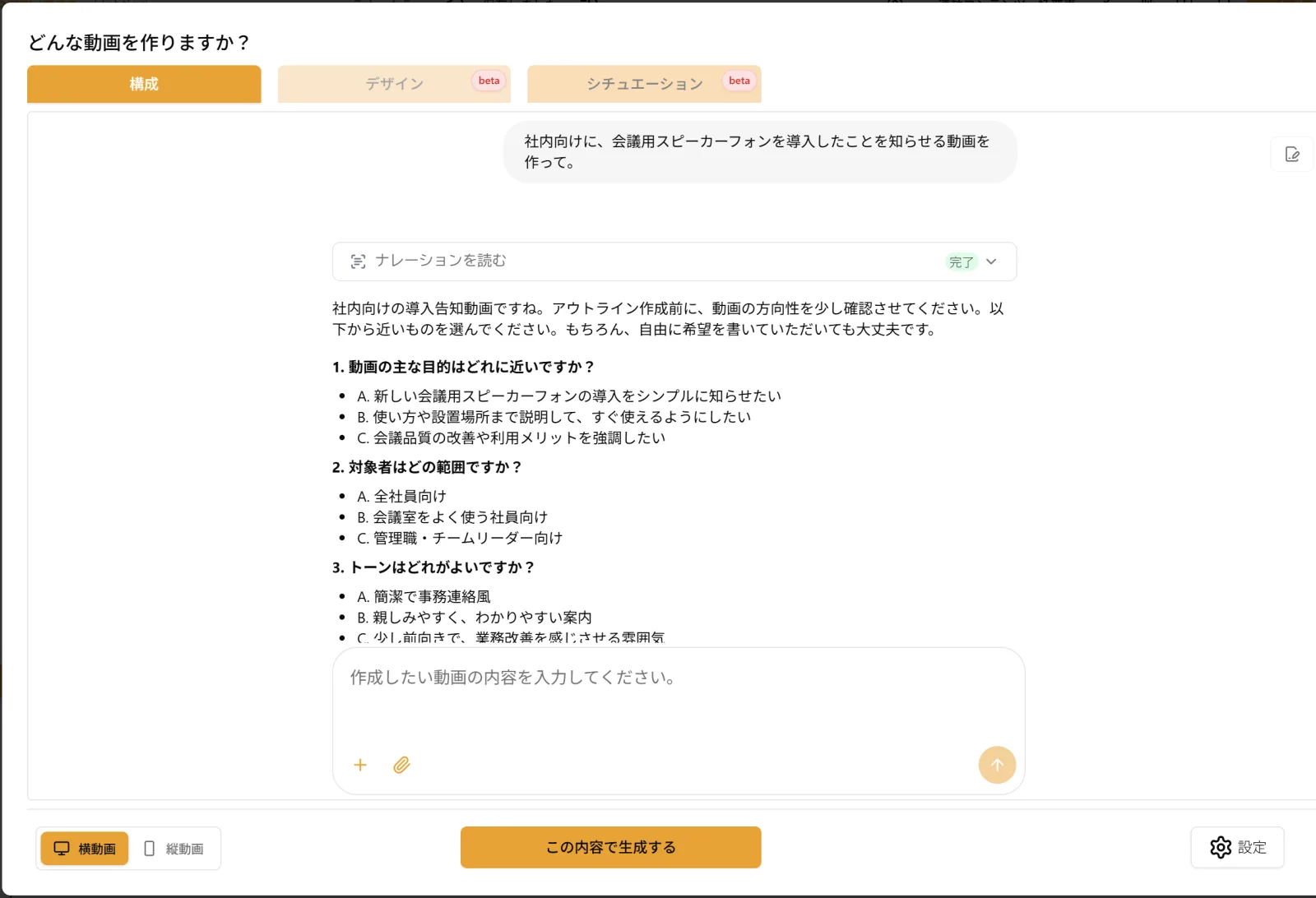
    Describe the video you want in text, and the AI writes the structure and the script, then turns it into video. With "Create from chat" (チャットから作成(β)), the AI first asks you about the mood, what you want to get across and the closing call to action. You can also make it a vertical video for phones.

    A screen where the AI first asks about the mood and what you want to get across
    The AI first asks you about the mood and what you want to get across
  2. Leave even the presentation to the AI

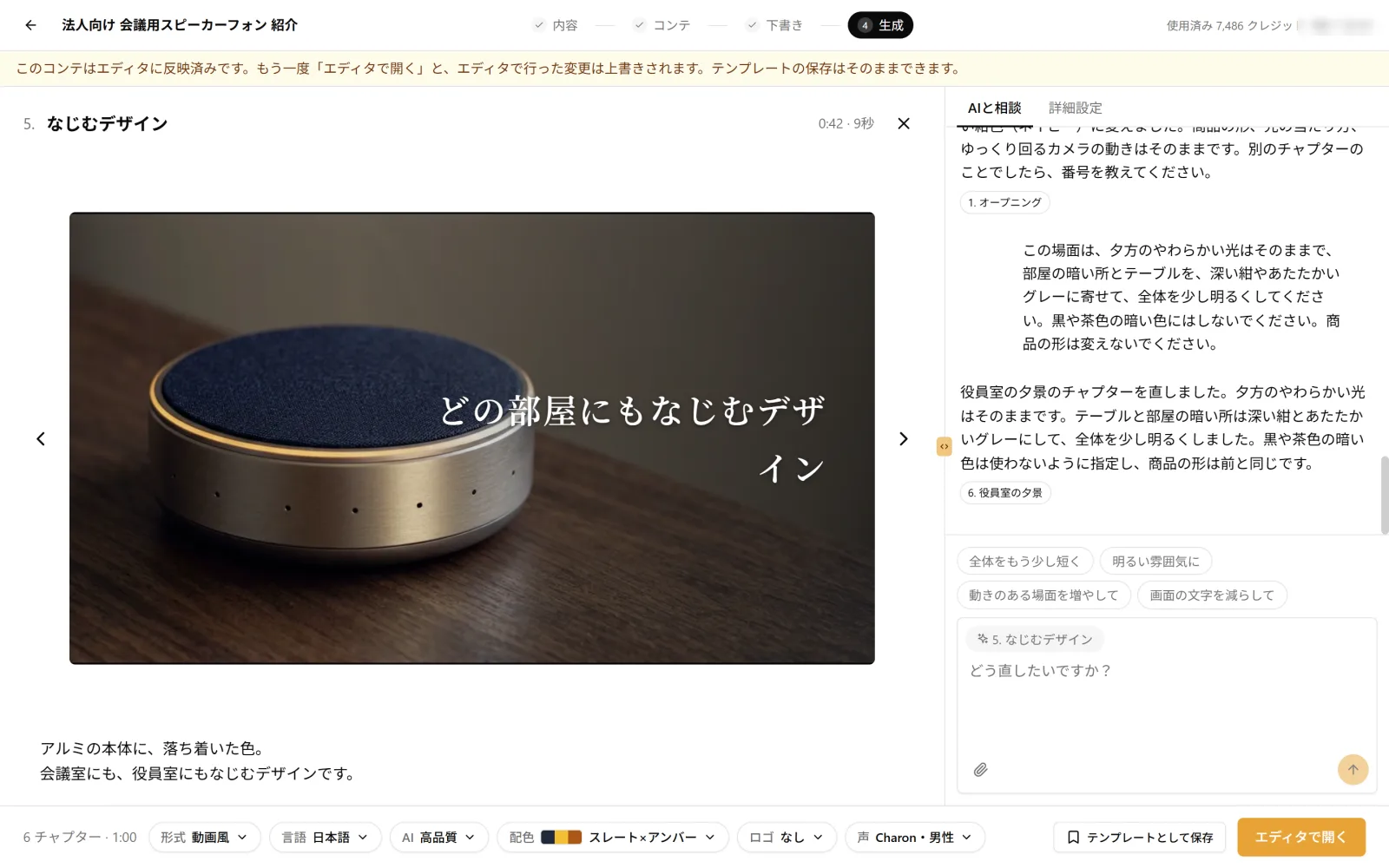
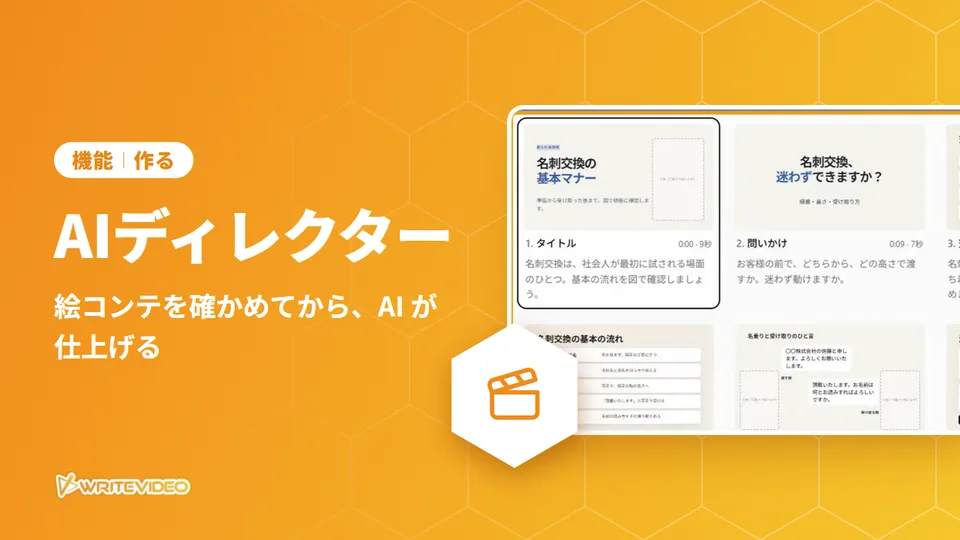
    With "AI Director" (AI ディレクター(β)), the AI plans the images and the script for each scene and builds them with diagrams, illustrations and photo-like images. Some scenes even become moving footage. Before it is finished, you can check the content in a storyboard, scene by scene.

    A scene from a video finished with AI Director
    Finished with AI Director. The 5th scene, opened here, is moving footage
  3. Reach far and wide with a URL and a QR code

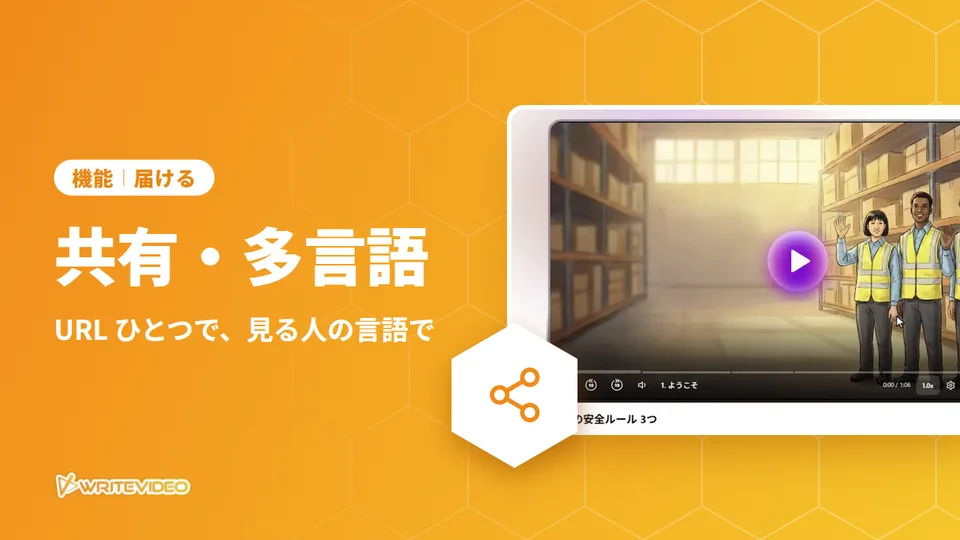
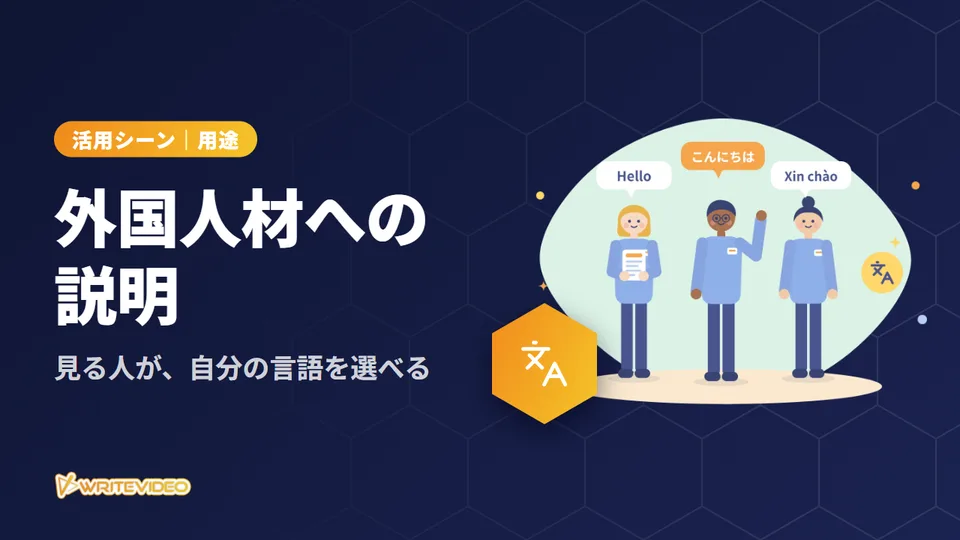
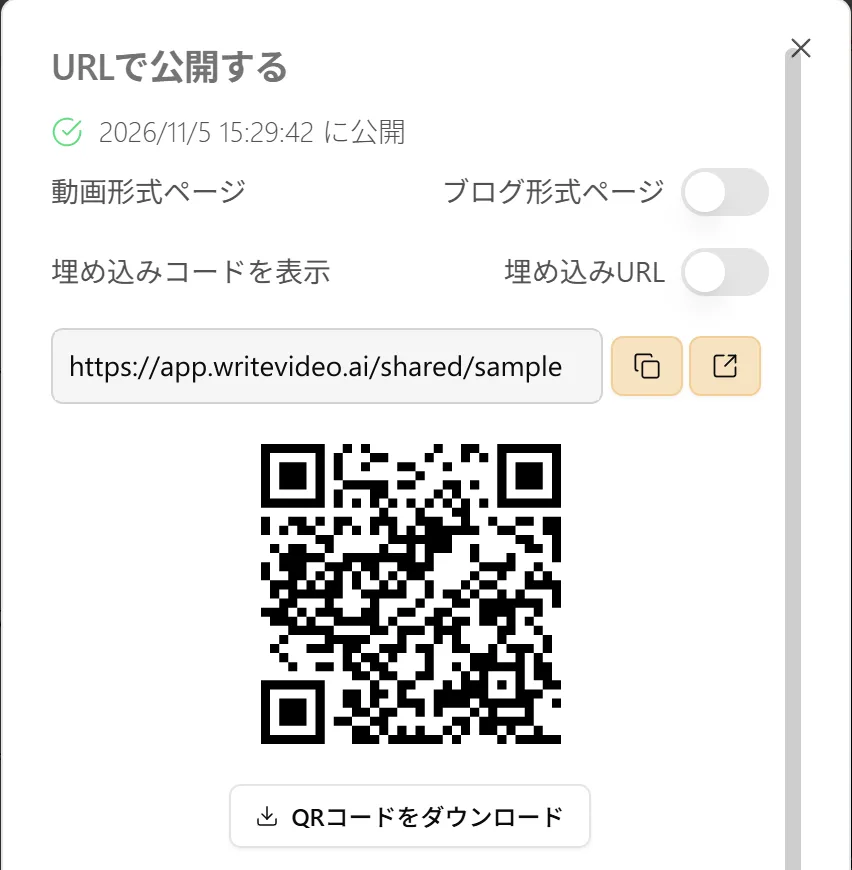
    When you publish, a URL and a QR code appear. You can download the QR code and put it on printed materials or posted notices. Unless you make it internal only or password-protected, anyone with the URL can watch in a browser, without a WriteVideo account. You can also embed it in a web page. On the share page, viewers can also choose a language to watch in.

    The URL and QR code after publishing (both are samples)
    When you publish, a URL and a QR code appear

Sample

Sample video

A sample announcements and PR video made with WriteVideo.

Case study

Case studies

  • Public Hearing and Public Relations Division, Shizuoka PrefectureGovernment

    A case study of using WriteVideo to make videos featuring "Fujippy," the prefecture's official mascot character.

    Published January 31, 2026 (information as of the interview in January 2026)

    Read the case study →
Get started

Leave the explainingto video.

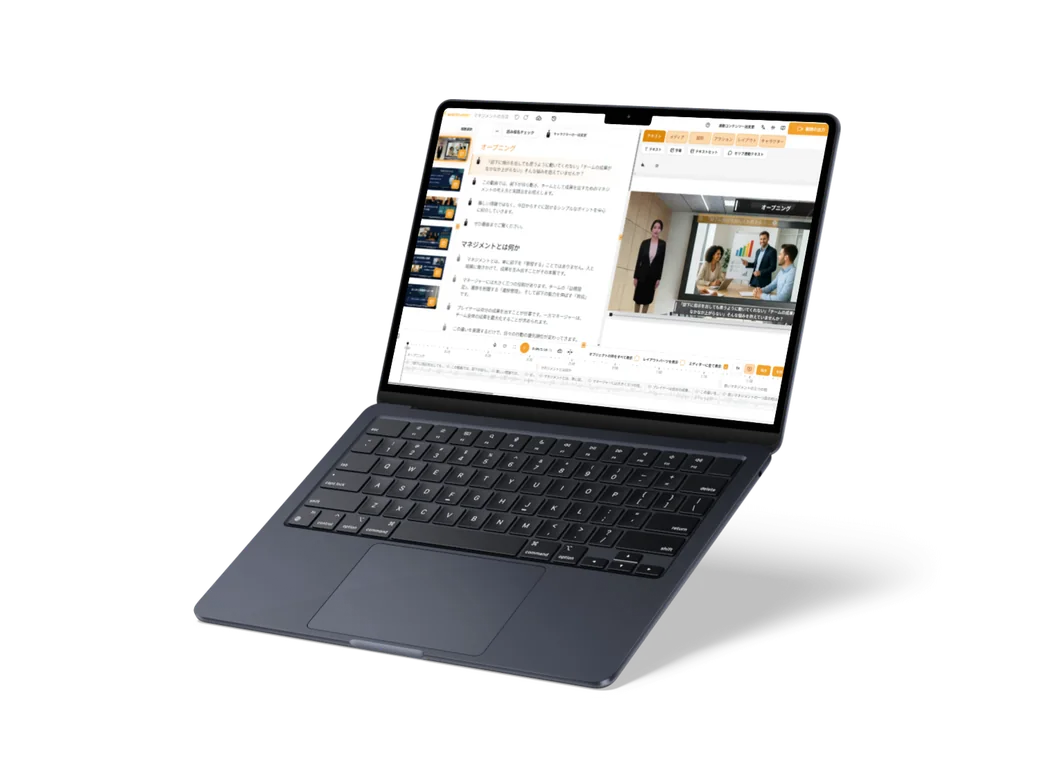
A laptop showing the WriteVideo editor