Use casesSales & product explanations
Use case · Sales & product explanations
Turn product explanations into videos that are clear at a glance, from the materials you have
Turn materials on your products and services into narrated videos. Just send customers a URL, and they can watch when it suits them.

Wishes
What you want to do
Make explainer videos from the product materials we already haveSales staff
Present it thoughtfully, so the video is memorableSales staff
Send it to customers so they can watch it when it suits themSales staff
Solutions
With WriteVideo
Just add your product materials, and it becomes a video
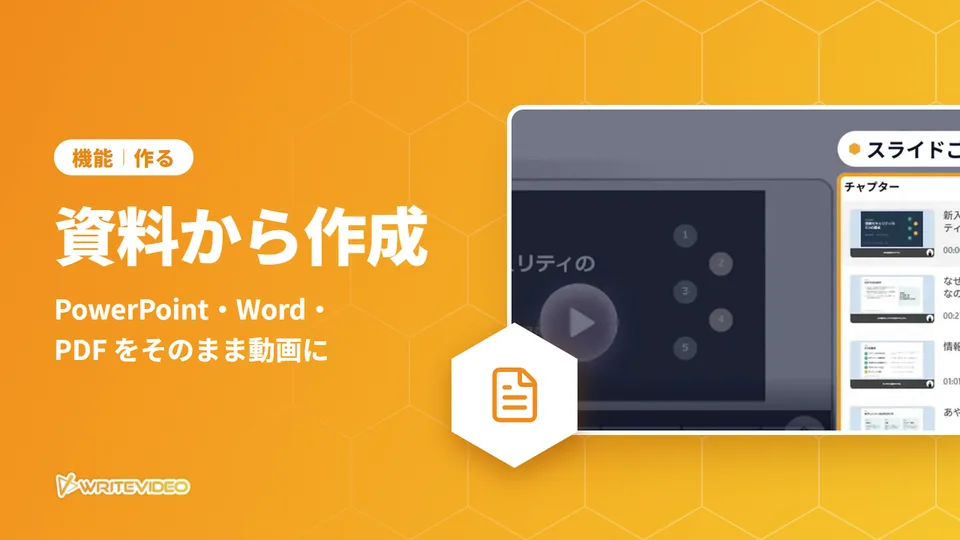
Just add your PowerPoint, Word or PDF materials. You can check the imported content chapter by chapter before generating, and the AI prepares the narration script and subtitles. With PowerPoint, the slides become the screens as they are, and an AI character explains, following the materials.
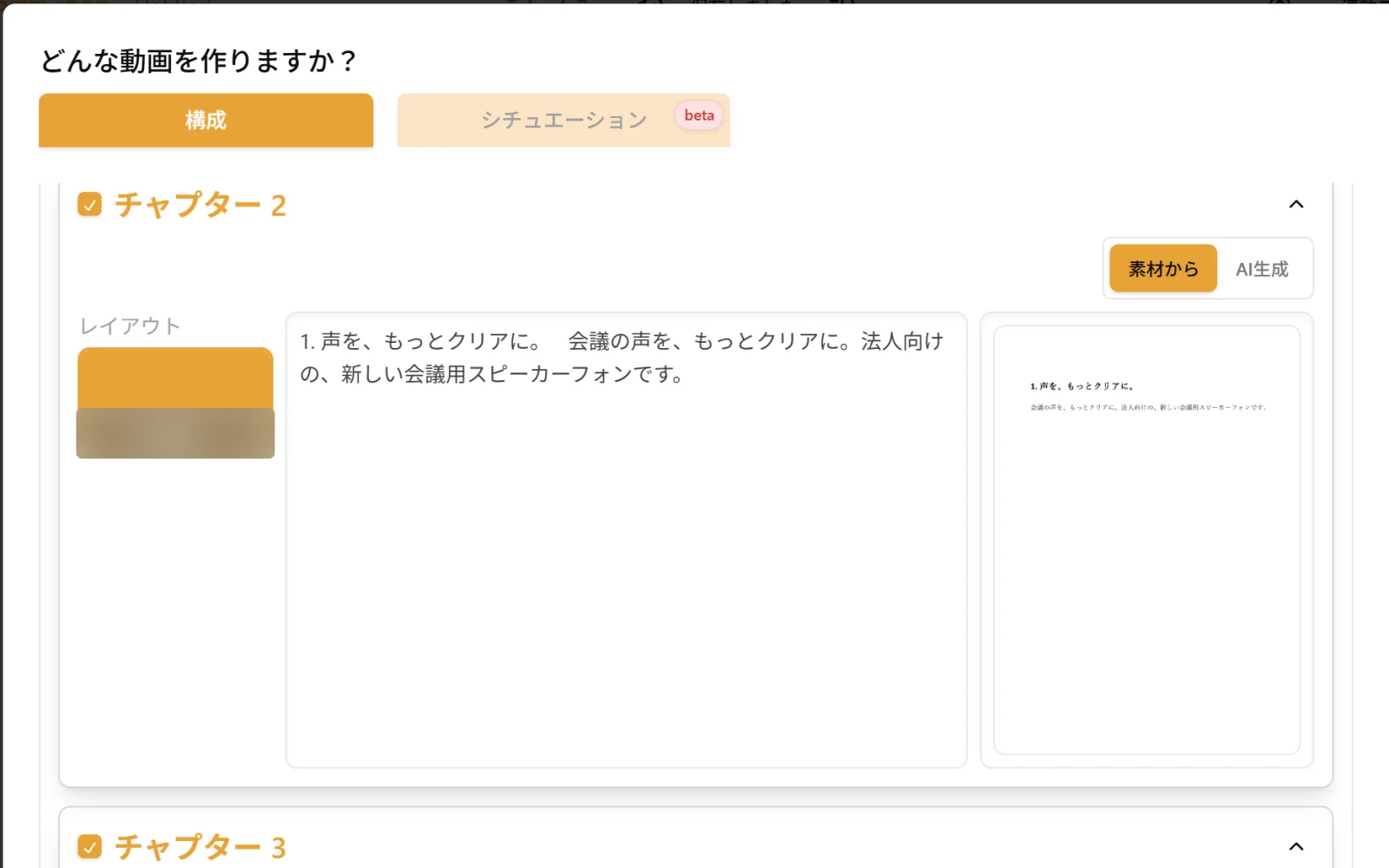
Import Word materials, and each chapter lists the text taken from them and images of the pages The AI reworks it, starting from how it is shown
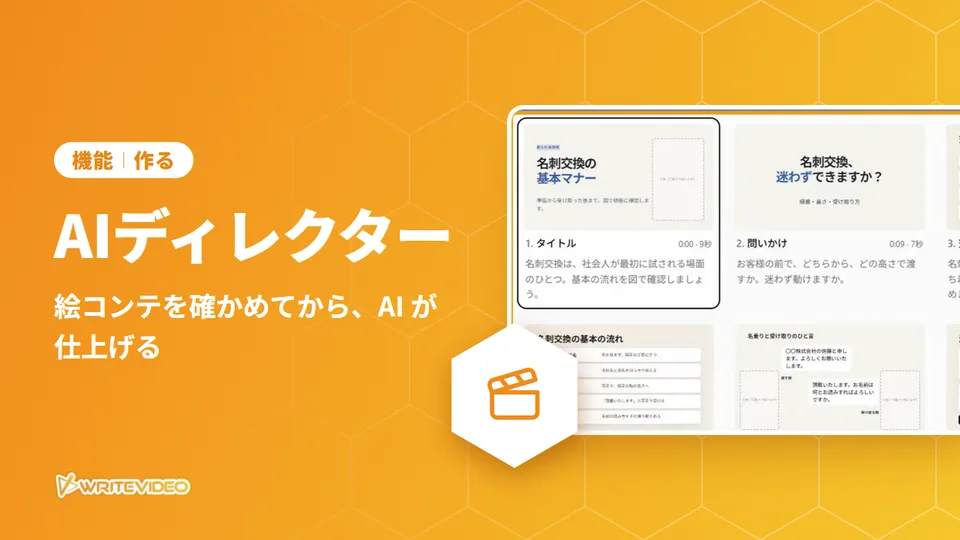
With "AI Director" (AI ディレクター(β)), the AI puts the images and the script for each scene into a storyboard, based on your instructions and materials. There are also fields to specify the format, color scheme and logo, and you can check the storyboard before it is finished. Rather than copying the pages of the materials as they are, it rebuilds them with diagrams, illustrations and photo-like images, and makes some scenes into moving footage.
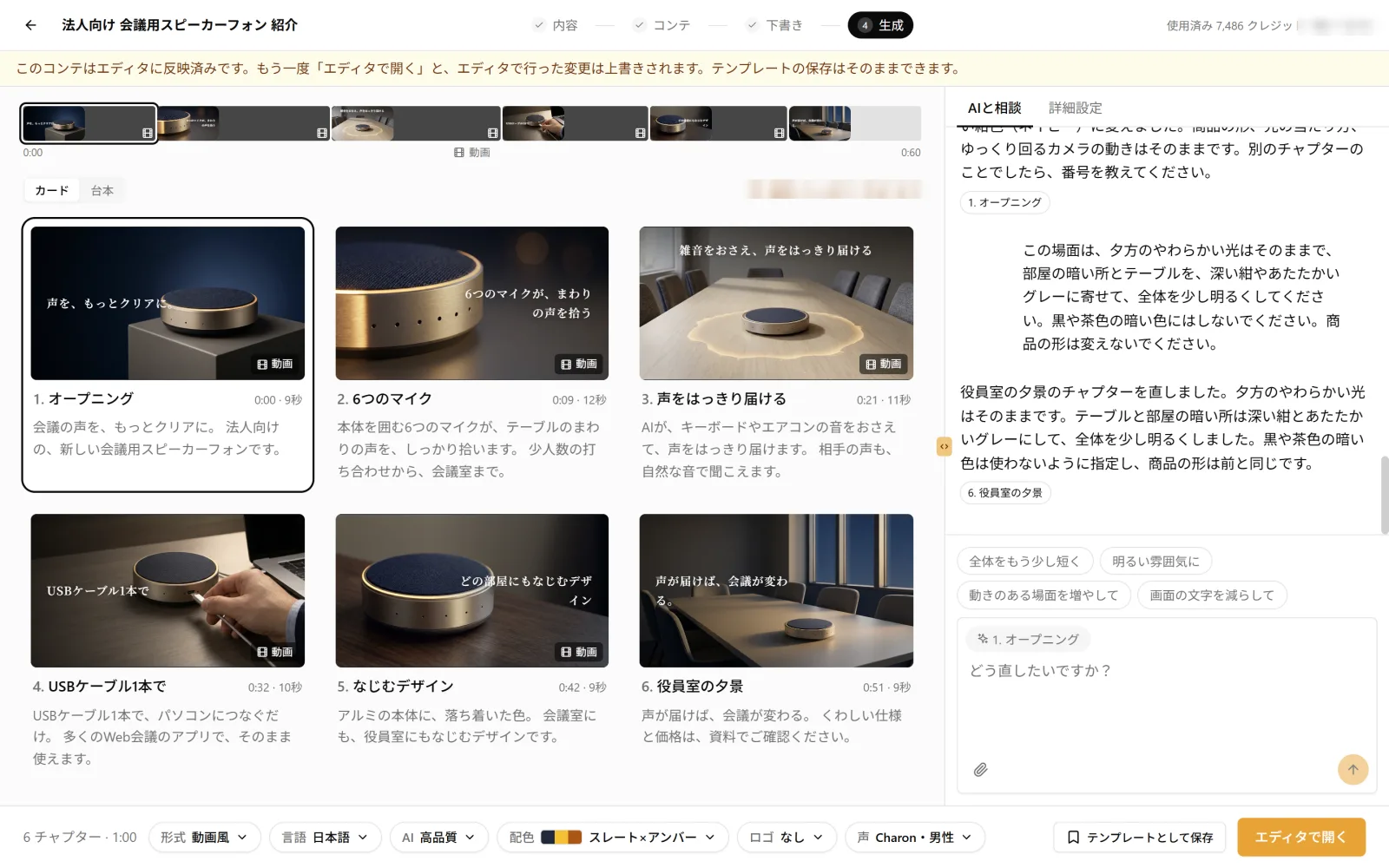
AI Director's storyboard. In the fields below, you choose the format, color scheme, logo and more Just send a URL, and they can watch
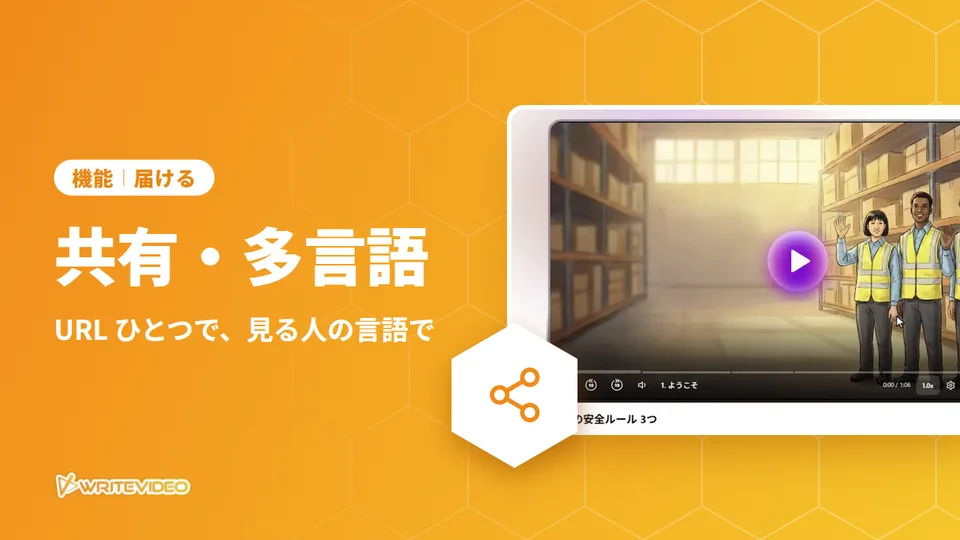
A published video can be watched in a browser just by opening its URL. Customers do not need a WriteVideo account. Send the URL before or after a meeting, and customers can watch it again when it suits them. You can also publish it with a password, and viewers can choose a language to watch in. With the embed code, you can also put it on your own product pages.
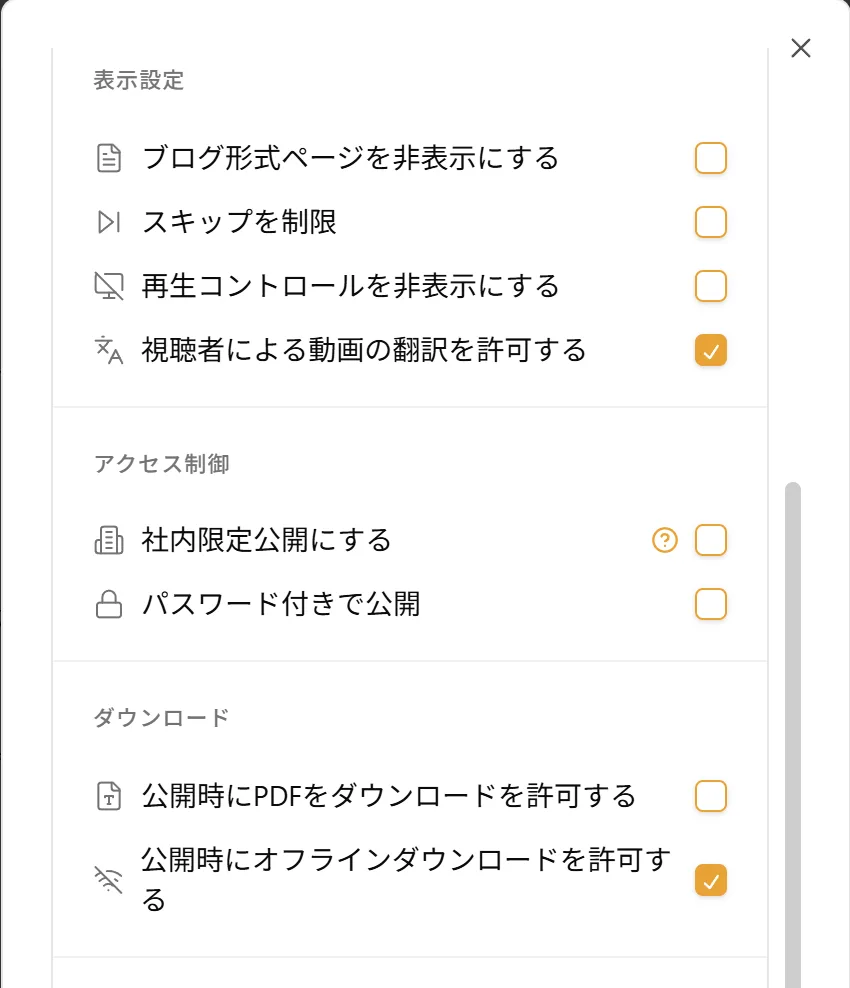
The publishing settings. Password-protected publishing can also be chosen
Sample
Sample video