Guides & tipsUpdated
Training that reaches foreign staff in their own language: how to make and deliver it in elderly care
Workplace rules, everyday work procedures: so that foreign staff can also watch training in elderly care in their own language, we have put together tips on everything from making it to delivering it, along with ways to use it.
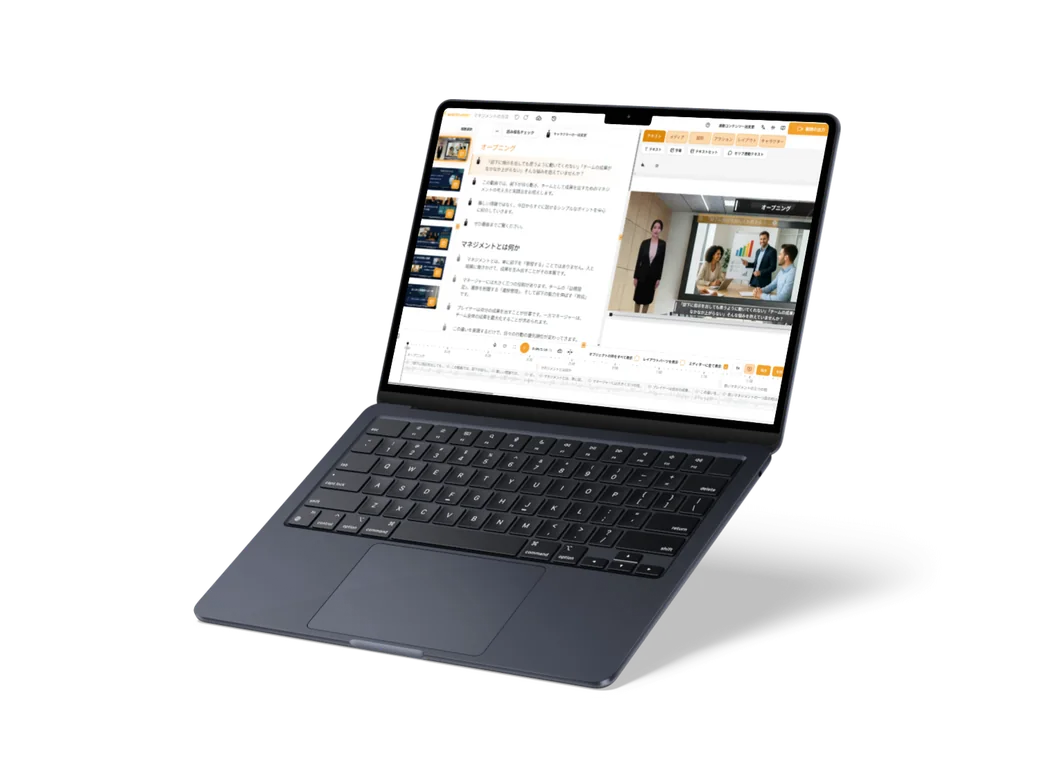
1. Turn the documents you have straight into video
Just add your PowerPoint, Word or PDF documents on workplace rules or work procedures, and press the generate button. The AI writes a script from what is in the documents, and an AI voice reads it aloud. No recording is needed.
If you do not have documents to hand, write what you want to get across and ask, and the AI creates the structure and the script.
With PowerPoint, each slide becomes one chapter. If you keep to one topic per slide, such as "How to take breaks" or "How to write records", staff can later choose and rewatch only the topics they want.
2. Put the script and terms into the words used on site
The script is listed one sentence at a time, so you can revise it to match the way things are usually said on site. Rewrite a sentence in the script, and the narration and subtitles for that sentence are remade together.
For care terms such as "transfer" and "bed bath", you can register a reading for each word. You can also register a translation for each word, so important terms are translated with the words you decided on.
3. One URL, in each staff member's language
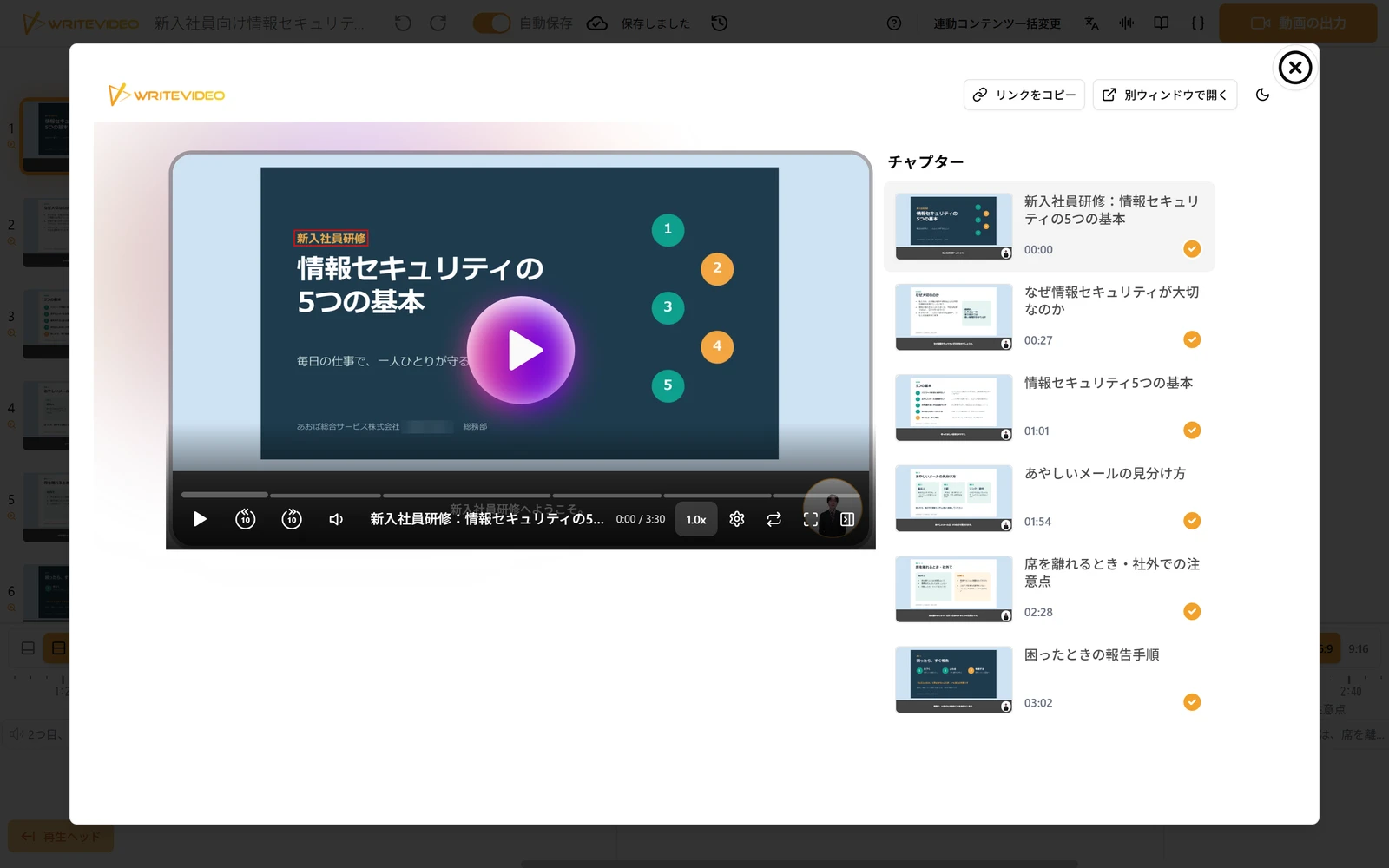
Publish the finished video as a URL, and staff can choose their own language from the language list on the share page and watch it. The title, chapter names and subtitles change to the language chosen, and for most languages the narration is also voiced in that language. More than 100 languages are supported.
Staff who watch in Japanese and staff who watch in other languages all watch the same single video, so the explanation is the same for everyone. The recording below is an example of a viewer moving between chapters on the share page and switching to the English page from the language list.
If each staff member's language is already known, you can also send a link with the language set. Unless you make it internal only, staff can watch without a WriteVideo account. Publishing also creates a QR code, so if you post it in a break room or similar place, staff can open it on the spot between shifts.
4. For training like this
- Explanations before starting work: have staff watch the work rules and how to take breaks in their own language before their first day
- Everyday work procedures: turn how to write records or the flow of shift handovers into chapters by topic, in a form staff can rewatch when unsure
- Annual training: have staff watch recurring training, such as infection control, between shifts, without taking time to gather everyone
You can read an example of WriteVideo in use in elderly care in the case study of Best Life Ltd. It is a case of using it for training and for explaining workplace rules before people join.